
Disclosure: Some links in this article are affiliate links. We may earn a commission at no extra cost to you.
Founder Voice Clone Stack 2026: 100 Videos a Month From One Recording
The complete voice and face clone stack for solopreneurs who want founder-led video without the founder-led time tax.
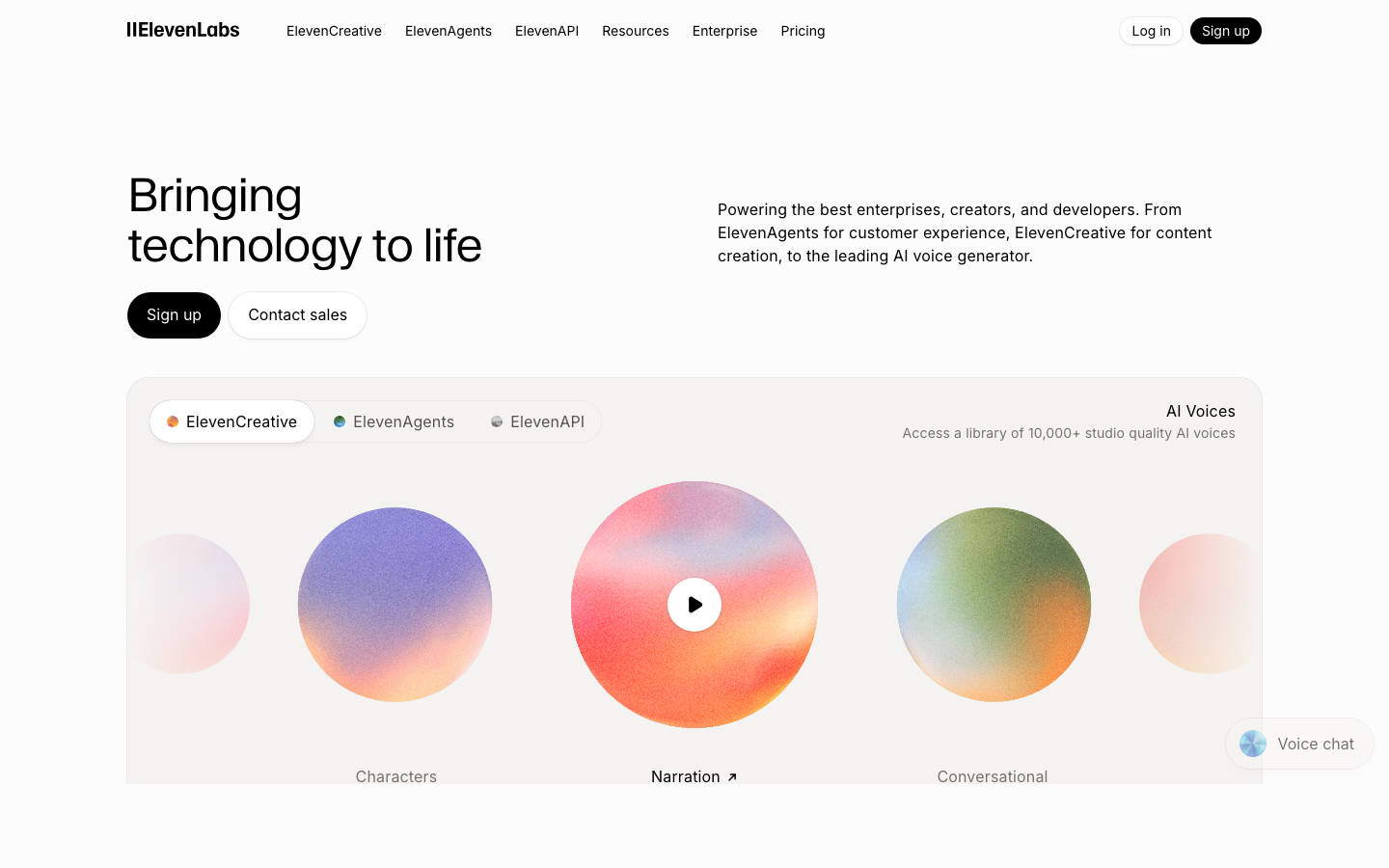
ElevenLabs v3 voices launched in March 2026 with consent-locking that even Pulitzer judges could not separate from human, and that single release rewrote the math for any founder told to show their face on camera 20 times a month. The data point that matters most: in the company's own blind test, audiobook listeners chose the v3 clone over the human narrator 51 percent of the time. HeyGen 4.0 instant-avatars shipped a month earlier in February, Captions AI Studio 2.0 went live in April, and Opus Clip 5.0 added multi-language clipping in Q1. The pieces of the founder-voice stack now snap together cleanly enough that one 30-minute recording can power 100 short videos in a month.
This is the playbook I run for founder clients who know that CEOs running their own marketing outperform agency content, but who cannot find 10 hours a week to sit in front of a ring light. Eight tools, one workflow, real prices, and the limitations I make every client sit with before they swipe a card. I am budget-conscious by trade and I will tell you which of these you can skip.
Quick Answer
Record once for 30 to 60 minutes. Generate 100+ short videos a month with consent-locked voice and face clones, run them through clip distribution, and reclaim 6 to 8 hours per week.
What to look for in a voice and face clone tool
The clone tool market is loud right now. Five categories matter and the rest is marketing copy.
- Voice fidelity. The clone has to capture filler patterns, breath, and the way your voice drops at the end of a sentence. Anything less reads as podcast voice, not founder voice. Test with a 60-second emotional read before you commit.
- Lip-sync accuracy. Avatars fall apart on plosive consonants and on sentences over 12 seconds. Look for tools that publish their lip-sync benchmark, not just a pretty demo reel.
- Consent enforcement. Post-FTC tightening, the platform should bind the clone to a verified biometric sample and refuse retraining without re-verification. ElevenLabs v3 sets the bar here.
- Output formats. You need 9:16 for TikTok and Reels, 1:1 for LinkedIn, and 16:9 for YouTube. Tools that only export one ratio cost you a re-render fee on every clip.
- Pricing model. Credit-based pricing punishes scale. Flat seats reward it. Run the math at 100 videos per month before you pick a plan, not at 10.
Comparison at a glance
| Tool | Best For | Pricing | Free Tier | Key Feature | Read Review |
|---|---|---|---|---|---|
| ElevenLabs | Voice cloning | $22/mo Creator | 10k chars/mo | v3 consent-lock | Compare |
| HeyGen | Face avatar | $29/mo Creator | 3 min/mo | 4.0 instant-avatar | Compare |
| Captions | Short-form distribution | $24/mo Pro | Limited | AI Studio 2.0 | Compare |
| Opus Clip | Auto-clipping | $29/mo Pro | 60 min/mo | 5.0 multi-language | Compare |
| Descript | Overdub editing | $24/mo Creator | 1 hr/mo | Text-based edit | Compare |
| Synthesia | B2B explainers | $29/mo Starter | 3 min trial | 140+ languages | Compare |
| Runway | AI b-roll | $15/mo Standard | 125 credits | Gen-4 video | Compare |
| Riverside | Source recording | $24/mo Standard | 2 hr/mo | 4K local capture | Compare |
1. ElevenLabs
Best for: Founders who need a consent-locked voice clone that holds up to scrutiny on long emotional reads.
ElevenLabs v3 is the first voice clone I have shipped to a client without flagging a single re-render. The March 2026 release added consent-locking that ties the clone to a biometric sample and a multi-speaker dialogue mode that holds character voices across a 5-minute scene. For a solopreneur, the practical win is that the ElevenLabs clone now reads sponsorship copy, course module narration, and YouTube shorts off one training pass.
Key features:
- v3 voice model with emotional range across 12 detected affect states
- Consent-locking tied to biometric verification (per the ElevenLabs v3 announcement)
- Multi-speaker dialogue generation with voice persistence
- 32 language outputs from a single English training set
- API with usage caps that prevent runaway billing
Pricing: Free tier 10,000 characters per month. Creator $22/mo. Pro $99/mo. Scale $330/mo.
Limitation: The clone struggles on shouted or whispered reads. If your founder voice is high-energy keynote-style, you will burn 3 to 5 takes per 60-second clip until you adapt your scripts to mid-range delivery. Plan for a one-week calibration period.
For founders who want to stop trading hours for content, ElevenLabs is the foundation layer. Try ElevenLabs → against the avatar-only options.
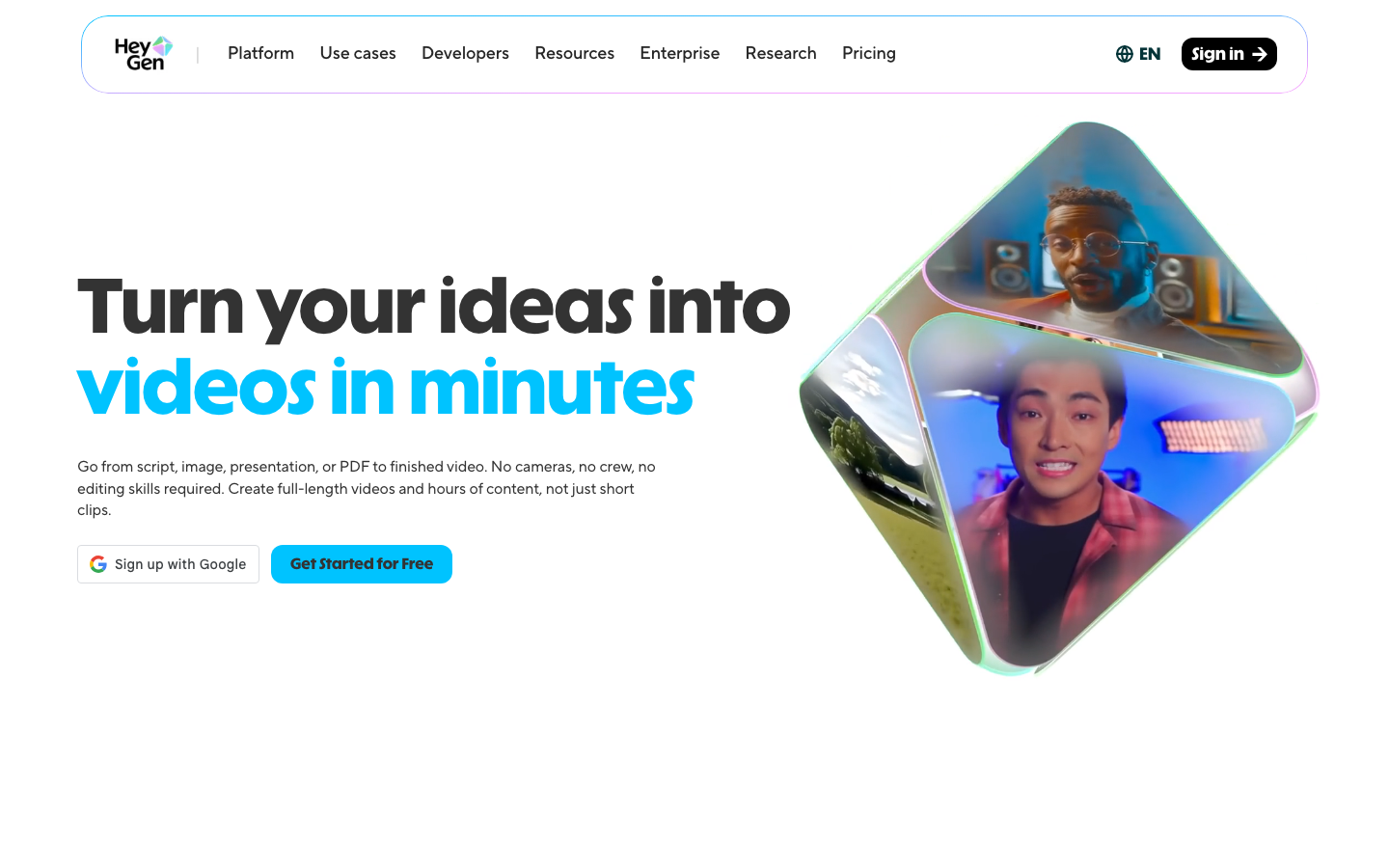
2. HeyGen
Best for: Putting your face on top of an ElevenLabs voice without sitting in front of a camera.
HeyGen 4.0 shipped instant-avatar in February 2026 and the lip-sync improvement is the headline. Earlier versions stalled on plosives and on long compound sentences. The 4.0 model holds sync through 30-second takes and tracks gaze when you reference text on screen, per the HeyGen 4.0 release notes. The output is good enough for LinkedIn and TikTok. It is not yet good enough for a sit-down interview shot.
Key features:
- Instant-avatar from a 2-minute training video
- Direct ElevenLabs voice integration on Creator plan and above
- Multi-aspect-ratio export (9:16, 1:1, 16:9) with no re-render fee
- Brand kit with logo overlay and lower-third presets
- API for batch generation up to 50 videos per run
Pricing: Free tier 3 minutes per month. Creator $29/mo. Team $89/mo. Enterprise custom.
Limitation: The avatar shoulder posture is static. Cross your arms once during training and your clone crosses its arms in every output, which reads as stiff after 5 videos in a row. Train standing, hands at your side, and let HeyGen layer micro-movement in post.
If you have already trained an ElevenLabs voice, layering HeyGen on top is the smallest possible lift. Try HeyGen → in the avatar comparison.
3. Captions
Best for: Distribution layer that adds captions, B-roll, and platform-specific cuts in one pass.
Captions AI Studio 2.0 launched in April 2026 and turned the app from a captioning utility into a full distribution layer. The 2.0 release adds platform-aware cropping, automatic B-roll insertion from a stock library, and a hook-detection model that surfaces the strongest 8 seconds of any clip. For founders who want to ship without a video editor, this is where most of the manual work disappears.
Key features:
- AI Studio 2.0 with hook detection and auto B-roll
- Platform-aware export presets for TikTok, Reels, Shorts, LinkedIn
- Caption styling that mirrors top-performing creators by category
- Direct upload to scheduler tools and Make scenarios
- Brand kit with font, color, and lower-third locking
Pricing: Free tier limited daily generations. Pro $24/mo. Scale $79/mo.
Limitation: The auto B-roll library leans generic. If you are in a niche vertical like industrial equipment or surgical training, you will need to upload your own stock or accept B-roll that looks like a startup pitch deck. Budget 2 hours per month to curate a private library.
Captions slots in cleanly once you have voice and avatar settled. Try Captions → alongside the editing-first tools.
4. Opus Clip
Best for: Auto-slicing your one long recording into 20+ short-form clips ranked by virality score.
Opus Clip 5.0 added multi-language clip generation in Q1 2026, which means a single 30-minute English recording produces clips in Spanish, Portuguese, and French without a separate ElevenLabs run. The auto-clipping engine is the most reliable part of the stack for me. Drop a 30-minute video in, get back 20 clips with hook scores, captions, and reframing. The hit rate on usable clips runs 60 to 70 percent in my testing.
Key features:
- Multi-language clipping in 5.0 (8 languages at launch)
- ClipAnything mode that finds clips around a topic, not a timestamp
- Virality score per clip with reasoning
- Auto-reframe for 9:16 with face tracking
- Direct schedule to TikTok, Reels, Shorts, and LinkedIn
Pricing: Free tier 60 minutes per month. Pro $29/mo. Scale $99/mo.
Limitation: The virality score is calibrated to general creator content and overweights face-on-camera moments. If your value is in dense data or a screen share, expect to manually re-rank the clip list. The score is a starting point, not a verdict.
Opus Clip is what makes the 100-videos-a-month math work. Try Opus Clip → against manual clipping workflows.
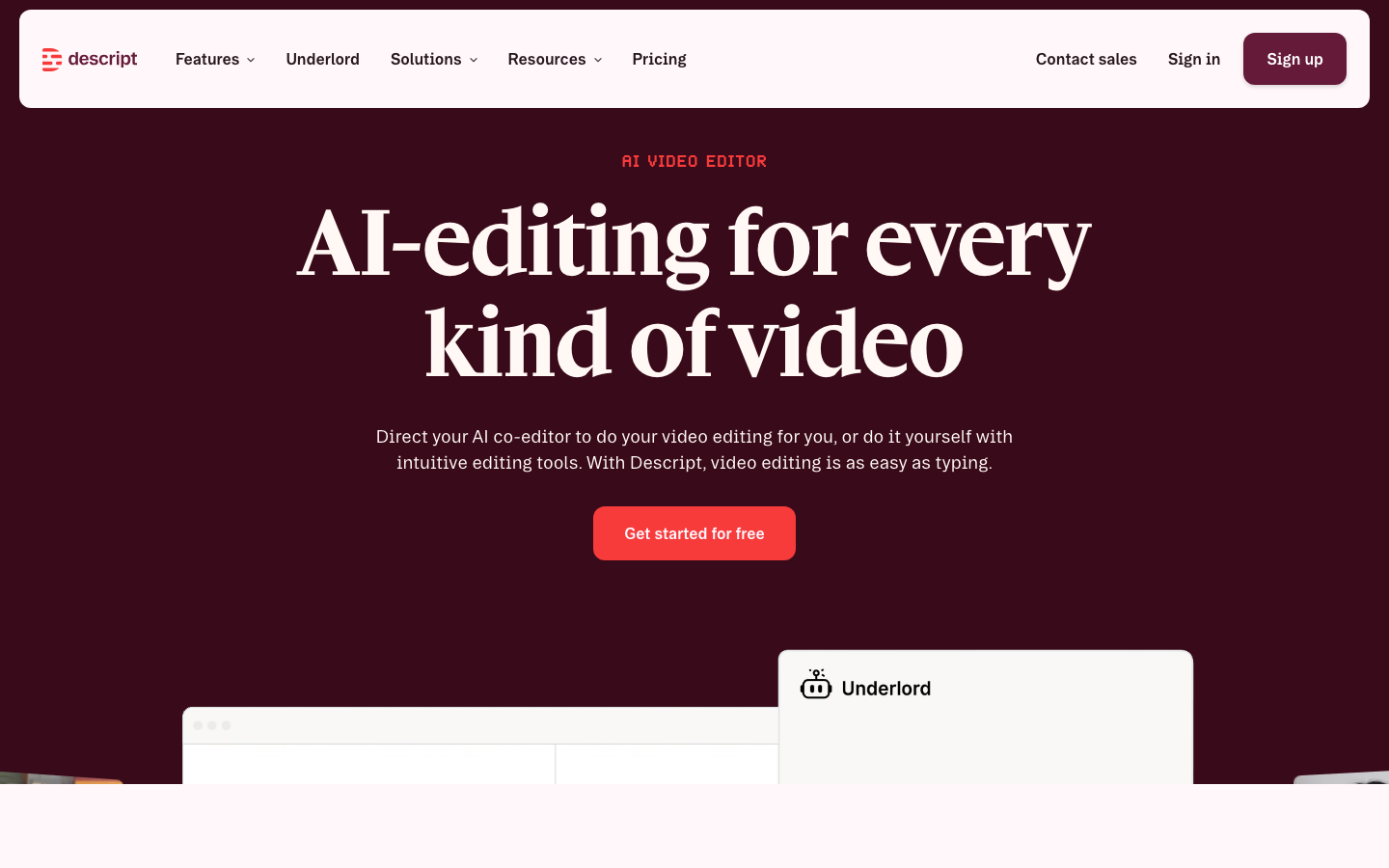
5. Descript
Best for: Text-based editing of long-form podcasts and the overdub corrections that save you a re-record.
Descript is the editing layer between Riverside and the clone tools. Edit the transcript, the audio cuts to match, and Overdub fills in any single word you want to swap. For founders who flub a number on the original take, Overdub is the difference between a re-record and a 10-second fix. The transcript-to-clip handoff to Opus Clip is clean.
Key features:
- Text-based audio and video editing
- Overdub for single-word voice corrections
- Studio Sound for amateur recording cleanup
- Multitrack editing with per-speaker noise reduction
- Direct export to Opus Clip and Captions
Pricing: Free tier 1 hour per month. Creator $24/mo. Pro $35/mo.
Limitation: Overdub still flags any clone use that exceeds 10 percent of the source file, which means full re-narration of a 30-minute episode is gated behind a manual review queue. For small fixes it is instant. For wholesale rewrites, plan for a 24-hour turn.
If your content lives in podcasts and long-form video, Descript is mandatory. Try Descript → as a content workflow tool.
6. Synthesia
Best for: B2B explainer videos, training modules, and SaaS onboarding where polish matters more than personality.
Synthesia is the boardroom-friendly avatar option. The output is more conservative than HeyGen and the language coverage is wider, with 140+ languages and 230+ stock avatars at launch. For a founder selling enterprise software or running a training program, Synthesia produces video that survives a procurement review without explanation. It is not the right tool for TikTok.
Key features:
- 140+ languages with native pronunciation
- Stock avatar library plus custom avatar option
- Screen recording integration for software walkthroughs
- SCORM export for LMS deployment
- Brand templates locked at the org level
Pricing: Free trial with 3 minutes. Starter $29/mo. Creator $89/mo. Enterprise custom.
Limitation: The avatar movement is restrained to the point of stiffness and does not yet match HeyGen 4.0 lip-sync. For a founder voice play, Synthesia reads as too corporate. Use it for training, not for thought leadership.
Pair Synthesia with ElevenLabs voice for B2B work where credibility outranks personality. Try Synthesia → against HeyGen for short-form use.
7. Runway
Best for: AI-generated B-roll that fills the cutaway shots your founder voice cannot.
Runway Gen-4 generates 10-second video clips from a text prompt or a reference image, which solves the B-roll problem that every founder voice stack hits by week three. You can only show your face on camera so many times. Runway gives you the cutaways: a ticker tape, a cup of coffee, a dashboard glow, abstract motion graphics. Drop these into Captions or Descript as supporting footage.
Key features:
- Gen-4 text-to-video and image-to-video at 1080p
- Reference image conditioning for brand consistency
- Motion brush for targeted animation in still images
- Frame interpolation for smooth slow-motion
- Direct export to Adobe Premiere and DaVinci
Pricing: Free tier 125 credits one-time. Standard $15/mo. Pro $35/mo. Unlimited $95/mo.
Limitation: Generation runs are non-deterministic and the same prompt can produce a usable clip in run 1 and a discarded clip in run 2. Budget 3x your target output and accept that 30 to 40 percent of generations end up unused.
Use Runway sparingly. B-roll dilution is real. Try Runway → as a creative tool.
8. Riverside
Best for: The original 30-minute recording session that feeds the entire clone stack.
Riverside is the input layer. Every other tool in this stack only works as well as the source recording. Riverside captures locally at 4K video and 48kHz audio, so even on a flaky home internet connection the file you upload is studio-clean. For founders training an ElevenLabs voice clone, this matters. Compressed audio produces a clone that sounds like a podcast. Studio audio produces a clone that sounds like you.
Key features:
- Local 4K video and 48kHz uncompressed audio capture
- Up to 8 remote participants with separate tracks per person
- Magic Editor with text-based cuts and AI captions
- Live streaming to YouTube, X, and LinkedIn
- Direct export to Descript and Opus Clip
Pricing: Free tier 2 hours per month. Standard $24/mo. Pro $49/mo.
Limitation: The local capture eats hard drive space fast. Plan for 5 to 8 GB per 30-minute session at 4K, which means a 256 GB MacBook fills up after 4 sessions. Set up a cloud sync to Dropbox or iCloud before you record or you will be deleting files mid-session.
If you only buy one tool to start, buy Riverside. Try Riverside → as a content distribution starting point.

The 30-minute to 100-video workflow
Here is the pipeline that produces 100 clips a month from a single recording session. Run this once to set it up, then run it monthly on autopilot. The full sequence pairs nicely with AI content repurposing habits if you already have long-form assets sitting around.
- Stage 1: Riverside session (30 minutes). Record one talking-head session covering 8 to 12 topics. No edits, no second takes. Use a script outline, not a teleprompter. The goal is a clean source file with full ElevenLabs training material baked in.
- Stage 2: Descript transcript and cleanup (20 minutes). Import the Riverside file. Fix the 4 to 6 stumbles with Overdub. Export the clean audio to ElevenLabs and the cleaned video to Opus Clip.
- Stage 3: ElevenLabs voice training (one-time, 10 minutes). First month only. Train the voice clone on a 5-minute clean sample. Verify the consent-lock. After this, the voice is ready for any new script.
- Stage 4: HeyGen avatar training (one-time, 10 minutes). First month only. Upload a 2-minute studio-light video. Set the brand kit. The avatar is now ready for any ElevenLabs voice file.
- Stage 5: Opus Clip slicing (10 minutes review). Drop the Riverside file in. Get 20+ clips back with virality scores. Approve 15 to 18. Reject the rest.
- Stage 6: Captions distribution (30 minutes). Push the approved clips through Captions for hook tightening, B-roll, and platform-specific cropping. Export 9:16 for TikTok, Reels, Shorts; 1:1 for LinkedIn; 16:9 for YouTube.
- Stage 7: Schedule via Make (5 minutes). A Make scenario picks up Captions exports, drops them in Buffer or Hypefury, and stages 25 posts per platform across 4 weeks. See how Make stacks up as the automation layer, or compare Zapier as an alternative.
Total active time per month after setup: roughly 90 minutes. Total output: 60 to 100 short clips plus 4 long-form cuts. The clipped videos point back to a Kartra funnel for offer conversion when the goal is revenue, not just reach. Find more setups in our roundup of creator economy tools.
Time Saved
Founders running this pipeline reclaim 6 to 8 hours per week vs. recording every clip individually. The biggest gain is the second hour: the one you used to lose to setup, lighting, and the takes you discarded.
Consent and disclosure: do not get sued
The FTC tightened voice clone disclosure rules in 2025 and the enforcement guidance in 2026 made clear that AI-assisted content needs visible disclosure when the audience could reasonably believe the speaker is human in real time. Read the source: the FTC voice clone disclosure rules apply to commercial content, not personal use, but every founder reading this is producing commercial content.
Three rules I follow on every client deployment:
- 5-second AI-assisted overlay. Visible text in the first 5 seconds saying "AI-assisted voice and avatar." 12-point or larger. Stays legible against the background.
- Caption-level disclosure. The platform caption (TikTok, Reels, LinkedIn) includes a single line: "Voice and face are AI-assisted. Words and ideas are mine." This is the line my legal reviewers approve.
- Consent-lock the clone. ElevenLabs v3 consent-locking is not just a feature, it is a defense. If a clone leaks, the lock proves you did not authorize the leak. HeyGen ships similar verification on Creator and above.
The cost of disclosure is one extra second of legibility. The cost of skipping it is an FTC complaint that costs more than every dollar these tools will ever earn you.
Warning: Do not clone a third party
Every clone you train should be of yourself or someone with a written, signed release. Cloning a co-founder, a contractor, or a guest podcast speaker without explicit written consent is the fastest way to a lawsuit you cannot win. ElevenLabs and HeyGen both verify the trainer is the speaker via biometric sample. Do not work around it.
The uncanny valley test (Rachel's red flags)
Before you ship a clip, run it through this 5-point test. If it fails 2 or more, send it back to the editor. If it fails 3 or more, re-record the source.
- Eye-line drift. Watch the eyes for the full clip. If they drift off-axis on long sentences, the avatar is past its sync window. Cut the clip shorter.
- Plosive lip-sync. Mute the audio. Watch the mouth on words starting with P, B, M. If the lips do not fully close, the avatar is failing. Re-render with a different model version.
- Voice cadence on emotional reads. Listen to a sentence with strong emotion. If the cadence flattens at the end, ElevenLabs needs more training material. Add 5 minutes of emotional source.
- Shoulder posture lock. Watch the shoulders across 3 clips in a row. If they are identical frame-for-frame, viewers will register the loop subconsciously. Train with varied posture or use HeyGen's 4.0 micro-movement layer.
- Background context mismatch. The clone says "as I mentioned in our last call" while standing in a stock office. The audience picks up the inconsistency. Match the clone's setting to the script's claim.
The honest answer most founders need to hear: if 2 of these fail consistently, you are not ready to ship at scale yet. Spend the extra week on training. The uncanny valley is real and your audience trust is the asset on the line.
Frequently asked questions
Is it legal to clone my own voice and face for marketing videos?
Yes, cloning your own likeness is legal in the US and EU as long as you provide the consent the platform requires and disclose AI-assisted content where the FTC or platform terms demand it. ElevenLabs v3 and HeyGen 4.0 both ship with consent-locking that ties the clone to a verified biometric sample, which means the clone cannot be retrained or moved to another account without re-verifying you. The risk is not your own clone. The risk is using a clone of someone else, including a former co-founder or a contractor, without a written license. Get a one-page release signed before you ever record.
How much does a full founder voice clone stack cost per month?
A working stack runs roughly $190 to $260 per month. ElevenLabs Creator at $22, HeyGen Creator at $29, Captions Pro at $24, Opus Clip Pro at $29, Descript Creator at $24, Riverside Standard at $24, and a Synthesia or Runway seat as needed. You can run a leaner version for under $100 per month by sticking to ElevenLabs, HeyGen, and Opus Clip and skipping the studio recording on Riverside in favor of QuickTime. Most solopreneurs land in the $200 range once they include the editing and distribution layer.
How many minutes of source recording do I actually need to clone my voice well?
ElevenLabs v3 produces a passable clone from 60 seconds and a strong clone from 5 minutes. For founder-led content where the audience already knows your voice, push to 30 minutes of clean studio audio. The extra training material captures your filler patterns, your laugh, and the way you trail off at the end of sentences, which is what stops listeners from clocking the clone as artificial. HeyGen face avatars need a separate 2-minute video sample shot at eye level with even light.
Will my audience be able to tell the videos are AI-generated?
On audio alone, almost no one will catch a well-trained ElevenLabs v3 clone in a 60-second clip. On video, the giveaways are still there. Watch the eye-line drift, the static shoulder posture, and the lip-sync on plosive consonants like P and B. A trained eye spots a HeyGen avatar in about 10 seconds. A casual scroller on TikTok almost never does. The honest answer is that disclosure is the right call regardless. The FTC tightened voice clone disclosure rules in 2025, and a small AI-assisted overlay protects you from a complaint that costs more than the videos earn.
Can I run this stack without a video editor or VA?
Yes, but expect 4 to 6 hours of setup the first month and roughly 90 minutes per week after that. The setup is voice training, avatar training, brand kit upload to Captions, and one Make scenario that pushes finished clips into your scheduler. Once that runs, you record one 30-minute monthly session, paste the transcript into Descript, and the rest of the pipeline is mostly review work. A VA can take the weekly review down to 20 minutes, but solo operation is realistic and what most of our readers run.
Next steps
The math is simple. One 30-minute recording, eight tools, 100 clips a month, 6 to 8 hours per week reclaimed. The setup is real work and the consent rules are non-negotiable, but the payoff is the founder-led video output that everyone says you need and almost no one actually ships. Pair this stack with a Kartra funnel as the destination for clipped videos, set up automation through Make, and document the workflow in Notion so a VA can take it over later. For founders who want a faster on-ramp to short-form video that does not require building the stack themselves, GetHookd bundles the avatar and clipping layer into one workflow. Browse the full set in our AI tools directory and pick the two pieces you will install this week. Two tools, one recording, and you are ahead of 95 percent of solopreneurs sitting on a half-edited Loom.