
Disclosure: Some links in this article are affiliate links. We may earn a commission at no extra cost to you.
I Tested 7 No-Code CRMs for Solopreneurs in 2026. Two Run Without an Admin.
Seven no-code CRMs for solopreneurs, ranked by setup time, single-user cost, and the actual job each one is shaped around.

By Sara Mitchell, Marketing Analyst
Published May 2026 · · ● reading now
The best CRM for a solopreneur is the one that does not need a full-time admin to operate. Salesforce starts at $25/user/mo, but the real cost of Salesforce is the implementation and the ongoing administration: roughly $8,000 to $30,000 the first year for a small business that wants the platform to actually work. The seven CRMs below are the ones that do not require that overhead. Each one is operable by a single non-technical person, sets up in a working day or less, and delivers real CRM value (not just a contacts list) without a hired admin.
The order is by what I would pick first today, given a solopreneur or 2-3 person team running a service business or digital product company under $500K ARR.
Quick answer: which no-code CRM should a solopreneur pick
- If you already use Notion for ops and want a single tool: Notion at $0 to $10/mo with a CRM template.
- If you sell a service and need pipeline plus appointment booking: GoHighLevel Starter at $97/mo.
- If you make outbound calls every day: Close at $19 to $99/user/mo.
- If you sell a digital product or course: Kartra CRM module at $119/mo.
- If you want zero monthly cost: Systeme.io free (CRM is included).
How I evaluated these no-code CRMs
I weighted four criteria. Time to first useful pipeline, meaning how fast a non-technical operator imports contacts, sets up a deal stage view, and starts logging activity. Cost at one user, since the per-seat pricing model breaks down for solopreneurs who do not need the team-and-admin features the multi-seat plans assume. Workflow surface, meaning what the CRM does after the contact is in the database (email, calendar, automation, reporting). And data portability, since every solopreneur eventually outgrows the entry-tier CRM and the migration cost is real.
I did not weight enterprise features (custom objects, multi-territory routing, approval workflows). Those are the features that justify Salesforce for businesses with 50+ sales reps. They are noise for a solopreneur.
Quick comparison: 7 no-code CRMs for solopreneurs
| CRM | Best for | Setup time | Cost (1 user) | Try it |
|---|---|---|---|---|
| Notion | Database-style CRM | 2-4 hours | $0 free / $10 Plus | Try Notion |
| GoHighLevel | Service business CRM | 4-8 hours | $97/mo | Try GoHighLevel |
| Close | Outbound sales | 1-2 hours | $19/mo (Base) | Try Close |
| Kartra CRM | Course and product CRM | Included with Kartra | $119/mo (Starter) | Try Kartra |
| Systeme.io | Free CRM with funnels | 30-60 min | $0 free / $27 Startup | Try Systeme.io |
| Pipedrive | Visual pipeline | 1-3 hours | $24/mo (Essential) | Direct: pipedrive.com |
| HubSpot Free | Free with marketing tie-in | 2-4 hours | $0 (free CRM) | Direct: hubspot.com |
1. Notion: best database-style CRM for solopreneurs
Best for: solopreneurs who want a CRM they can shape like a database without paying for fields they do not need.
Notion as a CRM is the recommendation I make most often to solopreneurs in 2026. The reason is the data model. A real CRM is fundamentally a database with relations. Pipedrive, Close, and HubSpot are databases with a CRM-shaped UI on top. Notion is the database with a UI you build yourself. The trade-off: you spend the first afternoon setting up the data model. The benefit: the data model fits your business instead of your business bending to fit the CRM.
The standard solo CRM in Notion is four databases: Contacts (with company relations), Companies (with deal relations), Deals (with stage, value, expected close), and Activities (calls, emails, notes, related to contacts and deals). That is the classic CRM shape. You add what your business needs: content briefs related to contacts, projects related to deals, invoices related to deals. The Notion API lets you push deal stage updates to Slack and pull contacts in from a webform.
Where it gets thin: Notion does not send email. It does not log calls. It does not auto-track Gmail conversations the way Streak does. You will pair it with an email tool (GetResponse, beehiiv) and possibly Streak or Gmail's native tracking. The pairing is fine. The single-tool dream is not real.
Pricing: Free for personal use with unlimited blocks. Plus at $10/seat for a solo workspace with unlimited blocks and basic permissions. Business at $15/seat for SSO and advanced permissions. Limitation: Notion is not a sender. Pair it with an email tool. The first afternoon of setup is real work.
2. GoHighLevel: best CRM for service business solopreneurs
Best for: solo service providers (coaches, consultants, agencies) who need pipeline, appointment booking, and SMS follow-up in one tool.
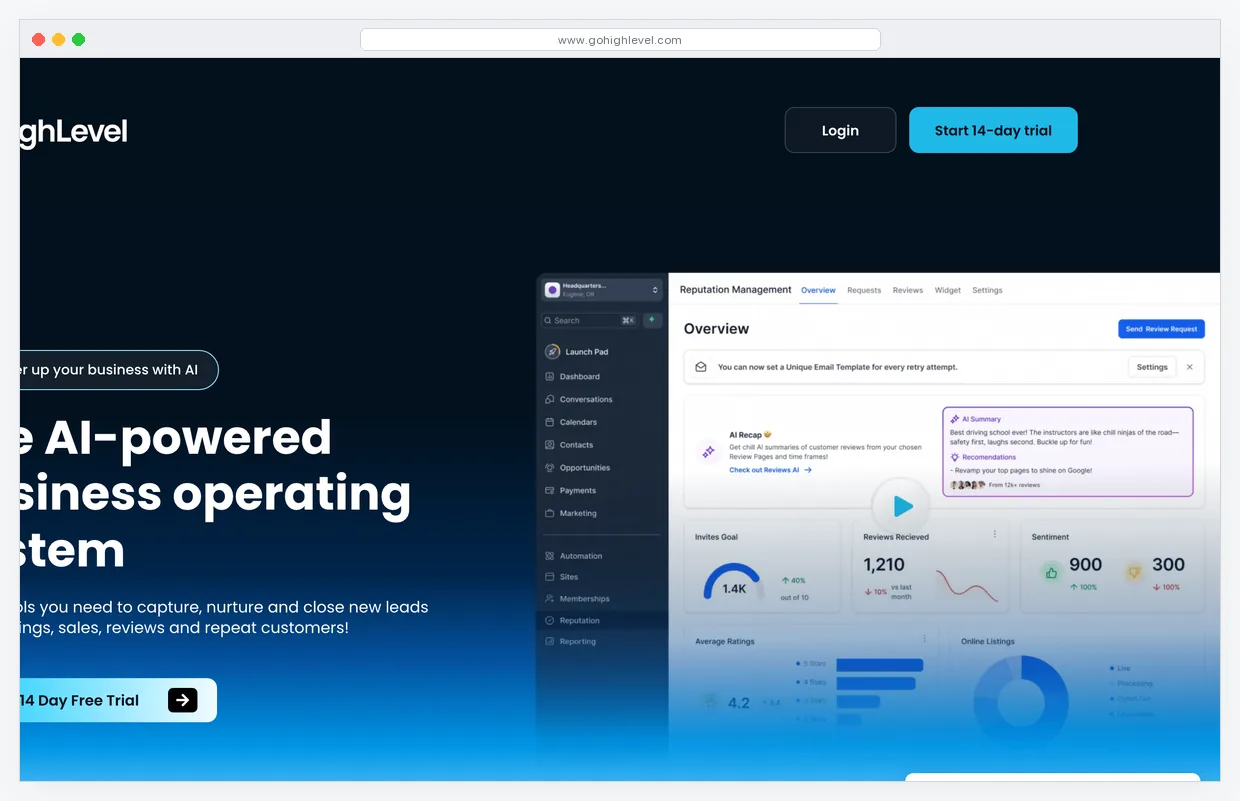
GoHighLevel's Starter plan at $97/mo replaces a stack that typically costs $300 to $500/mo for a solo service provider. Pipeline tracking, calendar booking, SMS follow-up, email sequences, and lead capture forms are all in the same platform. For a solo coach or consultant tracking 50 to 200 leads a month with discovery calls, the platform's value is the consolidation, not any single feature.
The pipeline view is a standard kanban with deal stages (New Lead, Booked, Discovery Call, Proposal, Won, Lost). Appointment booking ties into Google Calendar with two-way sync. SMS follow-up runs from a dedicated phone number. The automation builder lets you trigger an SMS reminder 24 hours before a discovery call without paying extra for Twilio or Make.
Where it gets thin: the learning curve is real. GoHighLevel is built for agencies and the depth shows. A solopreneur uses roughly 30% of the platform. The other 70% (white-label sub-accounts, SaaS reseller mode, multi-client dashboards) is not relevant at this stage. Plan for 4 to 8 hours of setup including the click-through tutorial.
Pricing: Starter at $97/mo for solo use, no white-label. Unlimited at $297/mo (skip this for solo CRM use). 14-day free trial. Limitation: the platform's depth is its tax. Use Starter, ignore the agency features, do not pay for Unlimited unless you have clients to white-label for.
3. Close: best no-code CRM for outbound sales
Best for: solopreneurs running outbound prospecting (cold email + calls) at meaningful daily volume.
Close is the CRM I see in stacks where the founder still does the calling. Built-in calling (with recording and transcription), built-in cold email sequences, native SMS, and a fast contact view that is closer to a power-user spreadsheet than a Salesforce dashboard. The platform's design philosophy: the CRM is the workspace where outbound happens, not the system of record where data goes to die.
Solopreneurs running B2B sales (SaaS, agency, consulting) at $5K to $50K ACV use Close because the time-to-first-call from a new contact import is roughly 5 minutes. You import the CSV, the platform de-duplicates, and you start dialing. Sequences run automated email follow-ups in parallel with calling. The reporting tells you exactly which sequence and which channel is producing meetings.
Where it gets thin: Close is overpowered for inbound-only businesses. If you do not call, the SMS and dialer features are dead weight. The base plan at $19/mo is solo-only and lacks pipeline, which is unusual for a CRM at this price. The Starter plan at $59/mo is where most solopreneurs land.
Pricing: Base at $19/user/mo (no pipeline). Starter at $59/user/mo for full CRM with pipeline. Professional at $129/user/mo for power dialer. Enterprise at $189/user/mo. 14-day free trial. Limitation: the calling and outbound depth is the value. If you are not calling, this is the wrong tool.
4. Kartra CRM: best for course creators and digital product solopreneurs
Best for: course creators and information product sellers who want their CRM tied to course progress, tag-based behavior, and product purchases.
Kartra's CRM is not a standalone product. It is the contact layer inside the platform that also runs your funnel pages, checkout, and email sequences. That changes the evaluation. As a standalone CRM, Kartra is competent but unexceptional. As an integrated layer where the contact record shows the funnel page they visited, the email they clicked, the product they bought, and the course module they completed, the value is significant.
The contact view inside Kartra shows the full customer journey: opt-in source, product purchases, email engagement, funnel page visits, membership activity. For a course creator running launches and trying to identify which warm leads are most likely to buy the next product, this view is the difference between guessing and acting on data.
Where it gets thin: as a CRM for service businesses, Kartra is not the pick. Pipeline tracking is light. Call logging does not exist. The CRM is shaped around digital product and membership use cases. Outside that, GoHighLevel or Close fit better.
Pricing: Starter at $119/mo for 2,500 contacts. Growth at $229/mo for 12,500 contacts. Pro at $549/mo. CRM is included on all plans. Limitation: Kartra's CRM only makes sense as part of the full Kartra adoption. As a standalone CRM, the math does not work.
5. Systeme.io: best free no-code CRM with funnels included
Best for: solopreneurs validating a digital product where the CRM is one layer of a broader funnel and the budget is zero.
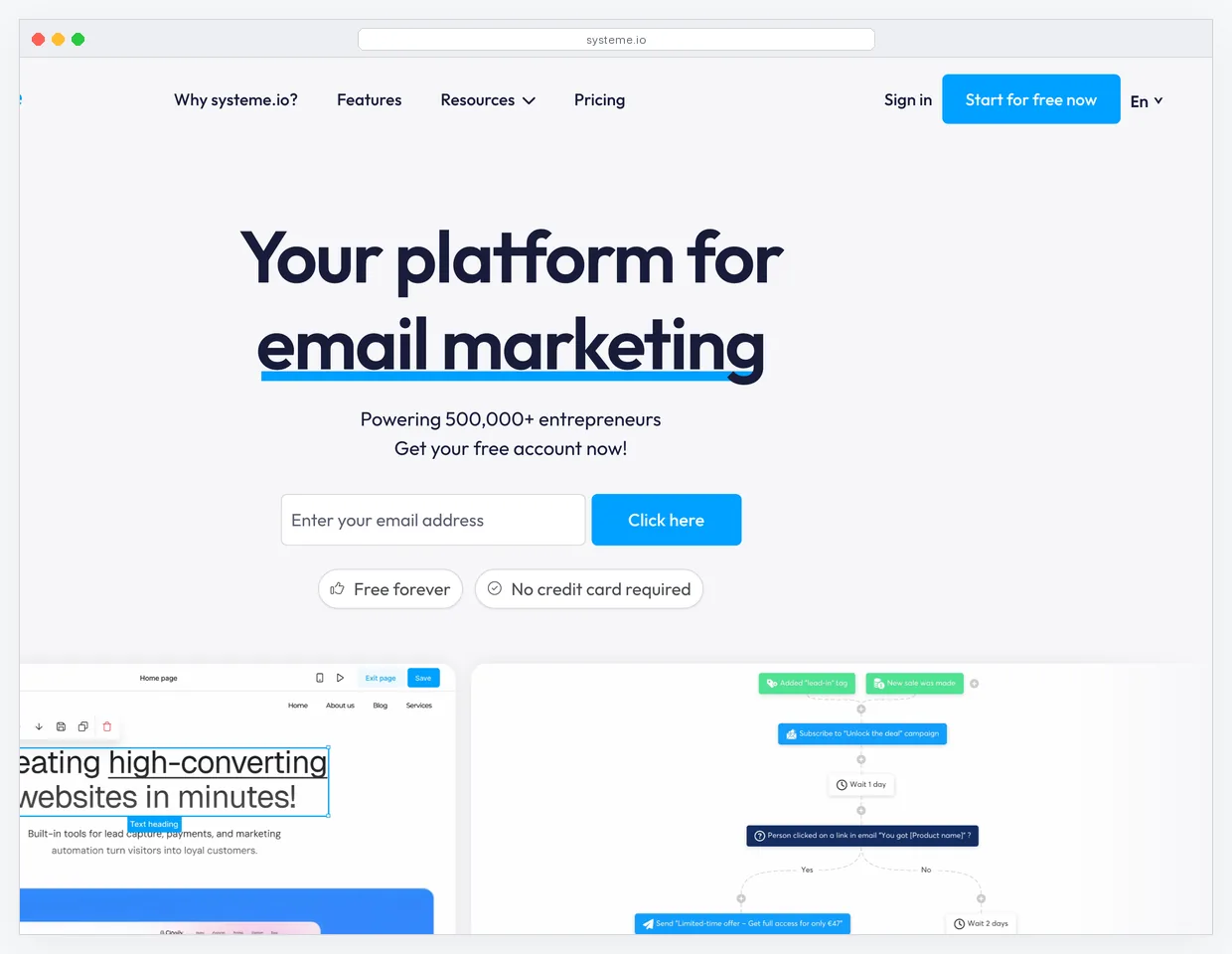
Systeme.io's CRM is included in the free plan, which covers 2,000 contacts. The contact view, tag management, segmentation, and basic automation are all free. For a solopreneur validating a product, this is the lowest-friction starting point. You import a list, tag the source, and the platform handles email sends, automation, and basic reporting.
The depth is below Kartra, GoHighLevel, and Close. There is no pipeline view in the traditional sense. There is a contact list with tags, which serves the lead-magnet-and-launch use case but does not serve a service business that needs deal stage tracking. For digital product launches at the solopreneur stage, this is enough.
Where it gets thin: outgrow it once the business needs deal stage tracking, call logging, or B2B sales workflows. The natural migration target is GoHighLevel for service businesses or Kartra for digital product businesses, depending on which job is load-bearing.
Pricing: Free for 2,000 contacts. Startup at $27/mo for 5,000 contacts. Webinar at $47/mo for 10,000 contacts. Unlimited at $97/mo. Limitation: the CRM is contact-list-shaped. Need a pipeline view, look elsewhere.
6. Pipedrive: best visual pipeline CRM
Best for: solopreneurs who think in pipelines and want the cleanest visual deal-stage view.

Pipedrive is the CRM I recommend when the operator's mental model is fundamentally pipeline-driven. The interface puts the deal-stage kanban front and center. Deals move from left to right. Activities (call, email, meeting) attach to deals. The reporting shows you which stage is leaking deals. For a solo consultant or B2B salesperson tracking 30 to 100 active deals at any time, Pipedrive is the cleanest fit.
The platform's strength is also its constraint. Pipedrive is a sales CRM, not a marketing platform. It does not send marketing emails (the Campaigns add-on does, at extra cost). It does not run sequences the way Close does. It does not host pages or run automations the way GoHighLevel does. It tracks the deal pipeline with high clarity. That is the entire job.
Where it gets thin: pricing scales by add-ons. The Essential plan at $24/user/mo is honest CRM. The Advanced at $44 adds two-way email and workflow automation. LeadBooster, Smart Docs, and Campaigns are separate paid modules. The total monthly cost climbs faster than the marketing page suggests. See Pipedrive alternatives 2026 for the full picture.
Pricing: Essential at $24/user/mo. Advanced at $44/user/mo. Professional at $64/user/mo. Power at $79/user/mo. Enterprise at $129/user/mo. 14-day free trial. Limitation: add-ons are how the platform makes its money. The base price is not the total price.
7. HubSpot Free CRM: best free CRM tied to a marketing platform
Best for: solopreneurs who plan to grow into HubSpot's paid Marketing Hub eventually and want the data already inside the platform.
HubSpot's free CRM is genuinely free at the contact-management level. It includes contact records, deal pipelines, basic email send (limited), forms, and basic reporting. The contact limit is generous (1 million records). For a solopreneur who expects to graduate to HubSpot Marketing Hub Starter or Professional within 18 months, starting on the free CRM means the data is already inside the platform when the upgrade happens.
The free CRM's limit is what it does not do. Email automation is paid. Sequences (for sales) are paid. Custom reports are paid. Workflow automation is paid. The free product is fine as a contact list with deal stages. It is not a working sales-and-marketing platform until you are paying for at least one Hub.
Where it gets thin: HubSpot's pricing model jumps sharply once you upgrade. Marketing Hub Starter at $20/mo for 1,000 contacts is reasonable. Professional at $890/mo for 2,000 contacts is not, for a solopreneur. The transition from free to paid is the moment many solopreneurs leave the platform. See HubSpot alternatives 2026 for the migration analysis.
Pricing: Free CRM forever. Marketing Hub Starter at $20/mo. Sales Hub Starter at $20/mo. Service Hub Starter at $20/mo. Pro tiers start at $890/mo. Limitation: the free tier is a teaser for the paid Hubs. Plan for the upgrade or stay free forever and accept the constraints.
When the CRM needs a partner tool
Most solopreneur CRM stacks pair the CRM with one or two other tools. The standard pairings I see in 2026:
- Notion + email tool: beehiiv or GetResponse for sends. Notion is the data layer.
- GoHighLevel + analytics: Looker Studio or Plausible for reporting depth. GoHighLevel handles operations.
- Close + LinkedIn outreach tool: LinkedHelper or Lemlist for prospecting. Close handles the conversion.
- Pipedrive + email automation: ActiveCampaign or GetResponse for marketing sends. Pipedrive handles the pipeline.
- HubSpot Free + paid email tool: beehiiv or ConvertKit. HubSpot handles the data, the partner sends.
When you should not buy a CRM yet
The wrong moment to adopt a CRM is the moment you have no contacts and no pipeline. Spending three weeks setting up a CRM before you have customers is procrastination. The right moment is when one of three things is true. You have 30+ active deals or contacts you cannot track in a spreadsheet. You are losing follow-ups because there is no system reminder. Or you are running marketing automation that needs a contact data layer.
Below 30 contacts, a Google Sheets file with columns for name, email, source, last contact, and next step is fine. Above 30 contacts, the friction of the spreadsheet starts costing more than the CRM. That is the threshold. The number is approximate. The principle holds.
Frequently asked questions about no-code CRMs for solopreneurs
What is the best free CRM for solopreneurs in 2026? HubSpot Free is the most full-featured free CRM if you do not also need email automation. Systeme.io's free plan includes a CRM and a working email automation tool, which is the better combination for digital product solopreneurs. Notion is free for personal use and is the right pick if you want to shape the CRM data model yourself.
Can Notion really replace a real CRM? For solopreneurs and 2-3 person teams, yes. Notion handles the data layer. The gaps are email sending, call logging, and inbox tracking, which you address by pairing Notion with an email tool and (optionally) Streak for Gmail. For sales teams of 10+ with daily call volume, Notion is not a real substitute. Use Close or Pipedrive.
How much does a CRM cost for a solopreneur? The range is $0/mo (Notion Free, HubSpot Free, Systeme.io Free) to $129/mo (Close Professional). The honest sweet spot for solopreneurs is $19 to $97/mo. Above that, you are paying for features that a one-person business does not use.
Should I start with HubSpot Free or Notion? If you plan to grow into HubSpot Marketing Hub paid plans, start on HubSpot Free. The data lives in the platform you will eventually pay for. If you do not, start with Notion. The data model is more flexible and the migration path to other CRMs (CSV export) is simple.
How long does it take to set up a no-code CRM? 30 minutes to one working day for the platforms on this list, depending on data volume and the depth of customization. Notion is the longest setup (you build the data model). Systeme.io is the fastest (the CRM is preconfigured). The real cost of CRM setup is not the platform; it is the data clean-up before import.
What to do next
Pick one CRM this week. Import your contacts on Saturday. Run it for 30 days before deciding whether to switch. The biggest cost in solopreneur CRM selection is paralysis. Every platform on this list is good enough that running it for 30 days will tell you more than two more weeks of comparison.
For more on tool selection at this stage, see the best solopreneur tools under $100 guide and the recent no-code marketing tools 2026 stack overview.