
Disclosure: Some links in this article are affiliate links. We may earn a commission at no extra cost to you.
I Tested 8 No-Code Email Marketing Platforms in 2026. Three Survived Real Automation.
Eight no-code email platforms ranked by visual automation builder, with the same 7-step branching welcome sequence built on each in May 2026.

Most email marketing platform reviews score the things you can see on the marketing page: send volume, list size limits, template count. The platforms below are ranked on something more boring and more important. How does the average non-technical operator build a 7-step welcome sequence with two branch points and one if-then condition? That is the unit of work that matters in 2026, because email-as-broadcast is dying and email-as-automation is the only path to compounding revenue from a list.
I rebuilt the same canonical sequence on each platform: opt-in, day 0 confirmation, day 2 educational email, day 5 product reveal with a tag-based branch, day 7 case study split based on whether they clicked, day 10 offer, day 14 last call. The sequence is roughly the load-bearing automation in any digital product business. The clock starts when the platform asks you to log in and stops when the test contact reaches the end of the sequence. The numbers below are real, measured in May 2026.
Quick answer: which no-code email marketing platform should you pick
- If you want the strongest visual automation builder for the price: GetResponse at $48.38/mo.
- If you are running a newsletter business: beehiiv at $0 to $86/mo.
- If you sell on Shopify or BigCommerce: Omnisend at $0 to $59/mo.
- If you sell information products (courses, coaching): GetResponse Marketing Automation tier.
- If you want a simple automation that any team member can edit: ConvertKit (now Kit) or MailerLite at $15 to $25/mo for the entry tier.
How I evaluated these no-code email platforms
I weighted four criteria. Visual automation depth, meaning how well the workflow editor handles branches, conditions, delays, and tag-based logic. Deliverability under no-warmup conditions, since most operators do not warm dedicated IPs and the platform's shared infrastructure is what they actually live with. Pricing transparency at 5,000 contacts (the point where free plans run out and the real cost shows up). And the editor speed for a non-technical operator on a Tuesday afternoon, not a developer with two screens open.
I did not weight template count. Templates are commodity. I did not weight CRM features for non-CRM platforms. And I did not weight free plan size as a primary criterion, because the free plan is a sales motion, not a long-term operating environment.
Quick comparison: 8 no-code email marketing platforms
| Platform | Best for | Automation builder | Entry price (5K contacts) | Try it |
|---|---|---|---|---|
| GetResponse | Mid-market automation | Visual workflow with conditions | $54/mo | Try GetResponse |
| beehiiv | Newsletter business | Light, sequence-based | $86/mo (Scale) | Try beehiiv |
| Omnisend | Ecommerce automation | Pre-built ecommerce flows | $59/mo | Try Omnisend |
| Kartra (email module) | Course funnels | Behavior-based campaigns | $229/mo (Growth) | Try Kartra |
| Systeme.io | Solopreneurs | Tag and event triggers | $47/mo (Webinar) | Try Systeme.io |
| ConvertKit (Kit) | Creators, simple flows | Visual sequences | $66/mo | Direct: kit.com |
| ActiveCampaign | Power-user automation | Most advanced builder | $93/mo (Plus) | Direct: activecampaign.com |
| MailerLite | Simple, clean editor | Light branching | $39/mo | Direct: mailerlite.com |
1. GetResponse: best visual automation builder for the price
Best for: mid-market teams that want power-user automation depth without ActiveCampaign's price tag.
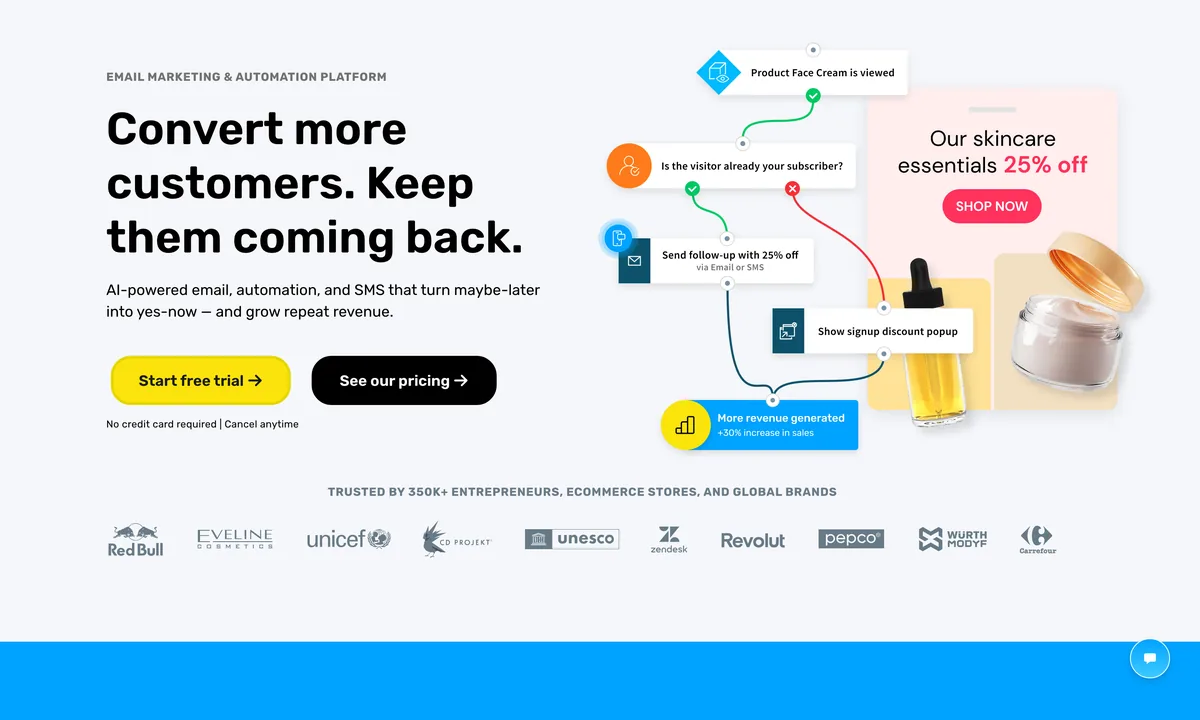
GetResponse won my canonical sequence test in 38 minutes, which was the fastest of the eight. The visual workflow builder handles tag-based branches, conditional content blocks, delay timers, and webhook triggers without dropping into a separate UI. The builder's strength is that it does not pretend to be a developer tool. The blocks are large enough to read at a glance, the connecting lines are sensible, and the test mode lets you preview a single contact's path through the entire workflow.
The platform's range is the unusual part. The same GetResponse account ships landing pages, webinars, conversion funnels, and forms alongside the email module. For most teams, this means one less platform in the stack. The webinar feature is unusual for an email platform and useful for course creators who would otherwise pay for Demio or eWebinar.
Where it gets thin: the UI feels older than the competitors. The free plan caps at 500 contacts, which is fine for testing but not enough to evaluate automation seriously. Deliverability on shared sender domains is good, not great. The reporting view is dense and takes a session to learn.
Pricing: Free for 500 contacts. Starter Email at $15.58/mo for 1,000 contacts. Marketing Automation at $48.38/mo for 1,000 contacts (5,000 contacts at $54/mo). Ecommerce Marketing at $97.58/mo. 30-day free trial. Limitation: the visual builder's range means there are five tools inside one product. You will use three well and ignore the rest.
2. beehiiv: best for newsletter businesses with paid subscriptions
Best for: newsletter operators monetizing through paid subscriptions, ad networks, and referral programs.
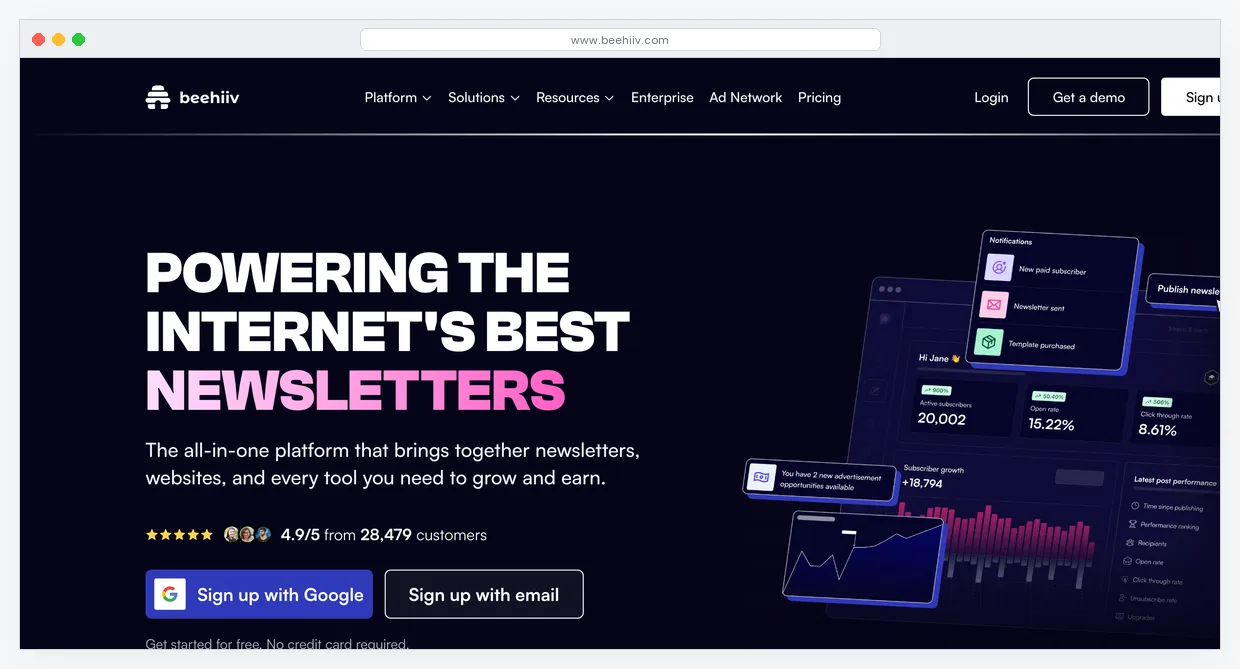
beehiiv is the newsletter platform Substack should have built. Built by ex-Morning Brew operators, the platform ships paid subscriptions, native ad network access (the boostmarketplace), referral program tools, and a content recommendation engine that grew from a feature to a meaningful subscriber acquisition channel for established newsletters in 2025.
The automation builder is the part that scores below GetResponse on the visual test. beehiiv handles welcome sequences and basic drip campaigns well. It does not handle complex tag-based branching with the same depth as GetResponse or ActiveCampaign. For pure newsletter use cases, this is fine. The newsletter-as-product business does not need a 14-step branching automation. It needs strong delivery, fast publishing, and monetization features that work without third-party integrations.
Where it gets thin: if your business is a digital product with launches and email sequences as the primary revenue driver, beehiiv is the wrong tool. Use GetResponse or Kartra for that. beehiiv shines when the newsletter itself is the product.
Pricing: Free for 2,500 subscribers. Scale at $86/mo for 10,000 subscribers and full feature access. Max at $129/mo for 25,000 subscribers and white-glove migration. Enterprise (custom) above 100K. Limitation: beehiiv is not an automation platform. It is a newsletter platform with light automation. Pick accordingly.
3. Omnisend: best ecommerce automation platform
Best for: Shopify, BigCommerce, and WooCommerce stores running cart abandonment, browse abandonment, and post-purchase flows.
Omnisend is the ecommerce email platform that competes with Klaviyo on a per-contact pricing model that runs roughly 30% cheaper at most volume points. The platform ships pre-built automation flows for the standard ecommerce events: welcome, browse abandonment, cart abandonment, post-purchase, win-back. Each flow is a visual canvas with conditional branches based on cart value, product category, customer LTV, and channel preference.
The omnichannel layer (email + SMS + push) is the part most reviews underrate. The same automation can branch to SMS for high-LTV customers and stay on email for the rest, which matches the actual cost-versus-engagement trade-off ecommerce stores manage. Klaviyo does this too. Omnisend does it cheaper.
Where it gets thin: outside ecommerce, the platform is overpowered. The pre-built flows assume a Shopify-shaped data model. If you are running a course or a SaaS, GetResponse or ConvertKit will fit better. The reporting is workable but less granular than Klaviyo's at the highest volume tiers.
Pricing: Free for up to 500 emails/mo and 250 contacts. Standard at $16/mo for 500 contacts. Pro at $59/mo for 2,500 contacts plus SMS credits. Limitation: the platform is ecommerce-shaped. Use it where the data model fits.
4. Kartra: best email module inside a no-code funnel platform
Best for: course creators and coaches who want their email automation tied to funnel pages and product purchases.
Kartra's email module is not a standalone email platform. It is the email layer inside a multi-tool platform that also covers pages, checkout, and membership. That changes the evaluation. The standalone email feature is competent but not a leader. The integrated automation, where the same campaign branches on funnel events (clicked the order bump, abandoned the checkout, watched 80% of the launch video), is the differentiator.
For a course creator running a launch, the value of having the email logic and the page logic in the same tool is meaningful. The branching on behavior across the entire customer path is harder to replicate by stitching ConvertKit to ClickFunnels via Zapier. The cost is that you adopt the entire Kartra platform, not just the email tool.
Where it gets thin: as a pure email tool, Kartra is not the pick. The deliverability is workable but not at GetResponse or Klaviyo levels on shared infrastructure. The email editor is functional, not delightful. The reason to use Kartra's email module is its integration with the rest of the platform, not its standalone capability.
Pricing: Starter at $119/mo for 2,500 contacts. Growth at $229/mo for 12,500 contacts. Pro at $549/mo for 25,000 contacts. Limitation: the email module is a feature of Kartra. If you are not using the funnel and checkout layers, the standalone math does not work.
5. Systeme.io: best free no-code email automation
Best for: solopreneurs validating a product, where the email automation is one part of a broader funnel and the budget is zero.
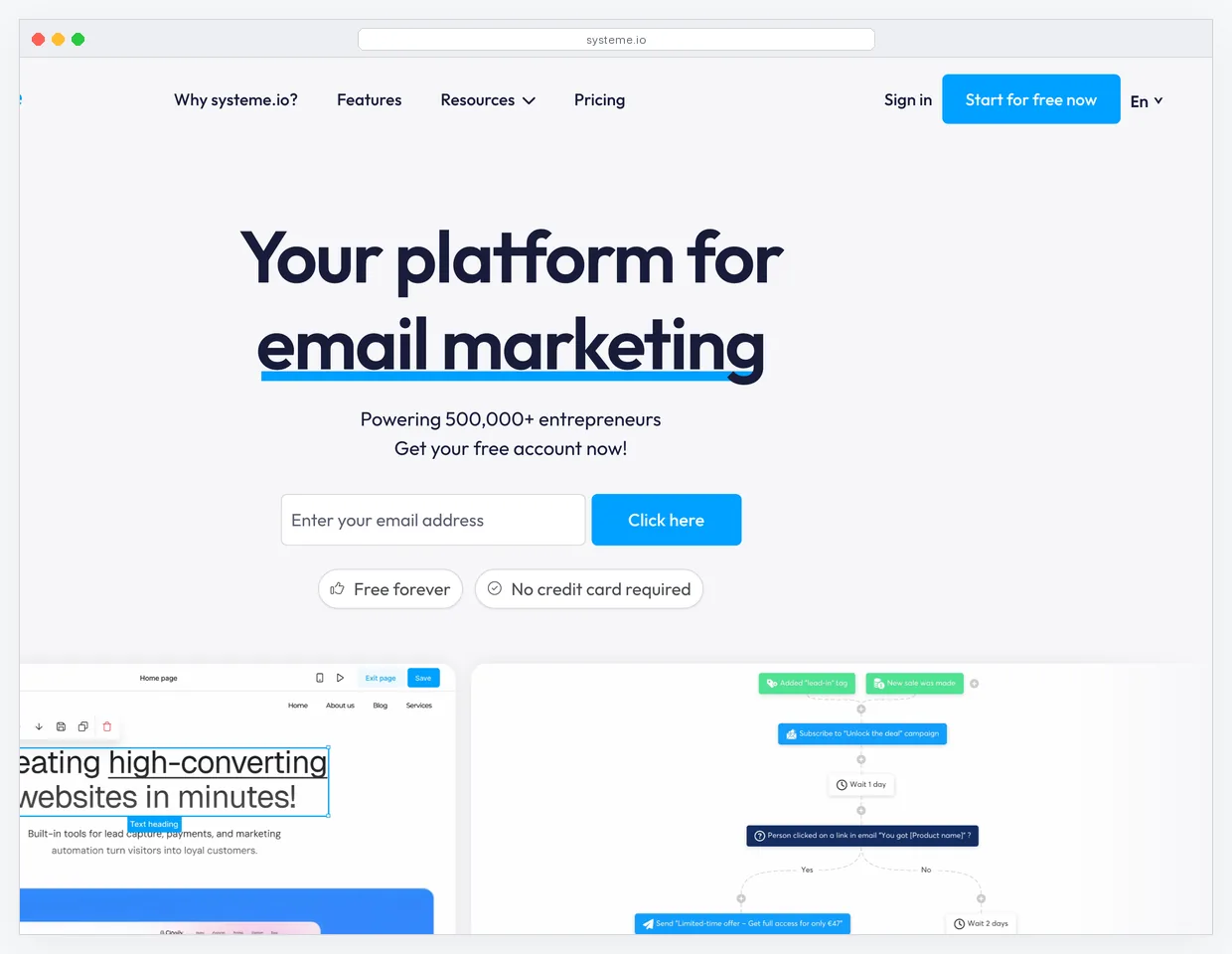
Systeme.io's free plan includes 2,000 contacts, unlimited emails, and the email automation builder. That is not a teaser. That is a working email platform at zero monthly cost. The automation builder uses tags and event triggers (form submitted, page visited, product purchased, course module completed) and supports multi-step sequences with delays.
The depth is below GetResponse and ActiveCampaign. There is no full visual workflow canvas with branching. There are simple if-then rules tied to tags, which cover roughly 80% of practical use cases. For a solopreneur running a single funnel and a welcome sequence, that 80% is the entire job.
Where it gets thin: deliverability on the free plan is workable but not premium. Reporting is basic. Once your business needs the kind of branching and conditional content GetResponse handles natively, Systeme.io's automation will start to feel limiting. That moment usually arrives between 5,000 and 10,000 contacts.
Pricing: Free for 2,000 contacts. Startup at $27/mo for 5,000 contacts. Webinar at $47/mo for 10,000 contacts. Unlimited at $97/mo. Limitation: simple automation is the ceiling. Move to GetResponse or Kartra when branching becomes the load-bearing piece.
6. ConvertKit (now Kit): clean automation for creators
Best for: creators with a content-driven business who want a clean editor and tag-based sequences.
ConvertKit rebranded to Kit in late 2024 and continues to ship the cleanest visual sequence editor in the creator-focused tier. The platform's strength has always been simplicity. Sequences are linear, automations are tag-based, and the editor does not overwhelm a non-technical writer trying to ship a 5-email welcome sequence on a Sunday morning.
The trade-off is the depth ceiling. Branching exists but is less visual and less expressive than GetResponse's. Conditional content inside an email is supported but not central. For a creator publishing weekly newsletters with a welcome sequence and the occasional launch, this is enough. For a course business running a 14-day launch with branching based on quiz answers, this will frustrate.
Where it gets thin: pricing scales by subscriber count and gets meaningfully more expensive than GetResponse above 5,000 contacts. The advanced reporting is below the mid-market platforms. The platform's clarity is its limitation. ConvertKit avoids feature bloat by not building features.
Pricing: Free for 1,000 subscribers and one form. Creator at $25/mo for 1,000 subscribers ($66/mo at 5,000). Creator Pro at $50/mo for 1,000 ($93/mo at 5,000) for advanced reporting and deliverability. Limitation: simple is the strength and the ceiling. Outgrow it and migrate to GetResponse or ActiveCampaign.
7. ActiveCampaign: deepest visual automation, highest learning curve
Best for: teams with a dedicated marketing operations resource willing to spend two weeks mastering the workflow editor.
ActiveCampaign has the most powerful visual automation builder of any tool on this list. The trade-off is that the power requires investment to access. The canvas supports nested conditions, multi-path branching, custom event triggers, conditional content, and integration with the platform's CRM module. A marketer who has used the platform for six months can build a 20-step automation that branches on three event types in under an hour. A marketer who has used it for a week will spend that hour staring at the canvas wondering which connector goes where.
The platform's CRM is competent without being a true Salesforce competitor. The deliverability is strong. The cost is high relative to GetResponse, ConvertKit, and MailerLite at every contact tier.
Where it gets thin: the cost-to-power ratio favors GetResponse for most teams. ActiveCampaign is the right pick when the automation is the product, when you have a marketing operations role with the time to build and maintain workflows, and when the deeper data model justifies the price. See ActiveCampaign alternatives for the trade-off analysis.
Pricing: Plus at $93/mo for 5,000 contacts (no free plan as of 2025). Professional at $189/mo for 5,000 contacts and CRM. Enterprise (custom). 14-day free trial. Limitation: power is real, the curve is real. Plan accordingly.
8. MailerLite: clean editor, light automation, good free plan
Best for: solopreneurs and small teams that want a polished interface and basic automation without the price tag of full platforms.
MailerLite ships one of the cleanest editor interfaces in the email category. The drag-drop builder is fast, the templates are restrained, and the automation tool handles welcome sequences, abandoned cart for ecommerce, and tag-based sends with light branching. The free plan covers 1,000 subscribers and 12,000 emails per month, which is generous for early-stage testing.
The platform sits in a similar category to ConvertKit but optimizes for the visual side. The automation depth is below GetResponse and well below ActiveCampaign. For a small business or a creator running a content-and-newsletter operation, MailerLite is often the right answer at the entry tier.
Where it gets thin: the platform does not pretend to be a power-user automation tool. The branching is shallow. The reporting is functional, not deep. Once your automation logic outgrows simple if-then rules, the migration target is GetResponse, not a higher MailerLite tier.
Pricing: Free for 1,000 subscribers and 12,000 emails/mo. Growing Business at $25/mo for 5,000 subscribers ($39/mo at 5K is the sweet spot). Advanced at $39/mo for advanced features. Limitation: the platform tops out before complex branching. Use it as a strong starter, not a destination platform.
When to pair an email tool with a separate platform
Most marketing stacks pair an email tool with at least one other platform. The most common pairings I see:
- Email + funnel builder: ConvertKit + ClickFunnels, GetResponse + Kartra. The funnel builder owns pages and checkout. The email tool owns sequences and broadcasts.
- Email + ecommerce: Omnisend or Klaviyo on Shopify. The email tool owns the customer flows tied to product events.
- Email + CRM: ActiveCampaign or HubSpot. The email tool also owns the contact data model.
- Email + automation: GetResponse + Make. Make handles the integrations the email tool's native connectors miss.
The wrong pairing is two email tools at once. I see this in stacks that grew by accretion: the company started on Mailchimp, then a marketing manager added ConvertKit for sequences, then a growth hire added Klaviyo for ecommerce. Three email platforms is two too many. Pick the one that handles the most jobs and consolidate.
2025 to 2026 changes: Apple Mail tabs and Gmail privacy
Two things changed the math in late 2025. First, Apple Mail in iOS 18 rolled out tabs (Primary, Transactions, Updates, Promotions) similar to Gmail's. The shift moved roughly 30% of marketing emails out of the Primary tab. Open rates measured against the Primary inbox dropped, but engagement and revenue per email did not. The metric to watch is no longer raw open rate. It is reply rate, click rate, and revenue per send.
Second, Gmail tightened sender authentication requirements (DMARC, SPF, DKIM) to the point where unauthenticated senders see deliverability collapse. Every platform on this list handles authentication well as long as you complete the DNS setup. The platforms that fail this test are the cheap ones not in this list. See the email deliverability crisis 2026 piece for the full breakdown.
Frequently asked questions about no-code email marketing platforms
What is the best no-code email marketing platform for 2026? For most mid-market teams, GetResponse Marketing Automation at $48.38/mo is the strongest balance of automation depth, price, and editor speed. For newsletters, beehiiv. For ecommerce, Omnisend or Klaviyo. The right answer depends on the business model.
How much does a no-code email marketing platform cost at 5,000 contacts? The range is $39/mo (MailerLite Growing Business) to $93/mo (ActiveCampaign Plus) at the standard tier. GetResponse runs roughly $54/mo. ConvertKit runs $66/mo. Above 5,000 contacts, all platforms scale up at different rates.
Do I need a no-code automation tool if I have ChatGPT or Claude to write the emails? Yes. The AI writes the copy. The platform delivers the email at the right time, to the right segment, based on the right behavior. Those are different jobs. AI does not replace the platform layer.
Can I migrate from one no-code email platform to another without losing data? You can move contacts, lists, and tags via CSV. Automations and templates do not migrate cleanly because every platform's data model is different. Plan for 20 to 60 hours of marketing-team time to fully migrate, depending on the depth of the automations.
Is the free plan a viable long-term option for a no-code email platform? Yes for the first 6 to 12 months at low volume. No once the business is generating real revenue. The free plan caps and feature gates are designed to push you to paid before the business depends on the tool. Plan for the migration to a paid tier as a budget line item.
What to do next
The decision is rarely a single platform versus another platform. The decision is which job the email tool is doing and which platform fits that job. Start there. If you do not know the job yet, default to GetResponse Marketing Automation at $48.38/mo. The depth covers the cases you do not yet know you will have.
For deeper comparisons, see the GetResponse vs Mailchimp piece, the ConvertKit vs beehiiv piece, and the recent no-code marketing tools 2026 stack overview.