
Disclosure: Some links in this article are affiliate links. We may earn a commission at no extra cost to you.
I Tested 8 Low-Code Marketing Platforms in 2026. Three Have Real Code Hooks.
Eight low-code marketing platforms with documented code hooks, ranked for mid-market and agency teams that have outgrown pure no-code builders.

The line between no-code and low-code in marketing software is the moment you hit a ceiling. The page builder won't render the layout you sketched. The automation can't branch on the field you need. The reporting view stops one column short. Low-code platforms are the ones that let you climb past that ceiling with a CSS override, a webhook with a JSON transform, or a formula that does the work a developer would have done in 2018.
This is not enterprise low-code in the OutSystems or Mendix sense. The eight platforms below cover the marketing department specifically: pages, email, automation, CRM, analytics, and ops. Each one ships a visual builder for the 90% case and a code escape hatch for the 10%. The hatch is the entire point. A platform that locks you out of the HTML or refuses to expose its API will fail you the first time a stakeholder asks for something the menu doesn't allow.
The picks are ordered by how often I see them in real mid-market stacks, not by feature count. Pricing is current as of May 2026.
Quick answer: which low-code marketing platform should you pick
- If you want one platform for pages, email, and CRM with code hooks: Kartra at $119/mo or GoHighLevel at $97/mo.
- If you need automation that branches on custom data: Make at $9/mo (10,000 ops) with HTTP and JSON modules.
- If your team wants a CRM you can model like a database: Notion at $10/seat with formulas, relations, and the Notion API.
- If you run paid acquisition and need API-level reporting: Semrush at $139.95/mo.
- If you build WordPress sites and want AI-generated themes you can still edit: 10Web at $10/mo.
How I evaluated these platforms
I shortlisted 22 platforms marketed as low-code or no-code, then disqualified anything that failed three tests: a visual builder a non-developer can ship from in a week, an exposed code or API path documented publicly, and pricing under $500/mo for the entry plan. That dropped the list to nine. One was cut for a documented outage pattern in 2025 (Wix Studio's editor-API drift). The remaining eight are below.
I weighted four criteria. Visual builder fluency, which is how fast the average marketer ships a working page or workflow in the platform. Code surface, meaning what specifically you can extend, scripts, HTML, API, or formulas. Vendor lock-in risk, which is how much of your work is portable if you leave. And total cost of ownership, including the unavoidable second tool most platforms force you to add, like a separate analytics or CRM layer.
Quick comparison: 8 low-code marketing platforms
| Platform | Best for | Code hook | Entry price | Try it |
|---|---|---|---|---|
| Kartra | All-in-one platform | HTML/CSS, JS injection | $119/mo | Try Kartra |
| GoHighLevel | Agency white-label | Custom JS, HTML, API | $97/mo | Try GoHighLevel |
| ClickFunnels 2.0 | Funnels with custom UI | CSS/JS per page | $97/mo | Try ClickFunnels |
| GetResponse MAX | Email automation depth | HTML email, API, webhooks | $15.58/mo (Starter) | Try GetResponse |
| Make | Custom data automation | HTTP, JSON, code modules | $9/mo | Try Make |
| Notion | Marketing CRM and ops | Formulas, API, databases | $10/seat | Try Notion |
| Semrush | SEO and PPC reporting | API, custom reports | $139.95/mo | Try Semrush |
| 10Web | WordPress AI builder | Theme code, plugins, API | $10/mo | Try 10Web |
1. Kartra: low-code all-in-one with HTML and JavaScript injection
Best for: mid-market marketers who want pages, email, membership, and checkout in one platform without losing control of the markup.
Kartra is the platform I see most often in solo agency stacks that have outgrown Systeme.io. The page builder ships visual blocks for the standard funnel anatomy, opt-in, sales, checkout, thank-you, and the editor accepts custom HTML, CSS, and JavaScript per page. That is the low-code part. If your designer hands you a Figma layout the standard blocks can't reproduce, you paste it into a custom HTML block and it renders.
The campaign builder is the part most reviews underrate. You can chain page visits, email opens, tag changes, and product purchases into branching automations, then drop in a webhook step to ping any external system. The platform exposes a documented API for contacts, transactions, and tags, which means handing data to a separate analytics warehouse is a configuration job, not a development job.
Where it gets thin: built-in analytics are surface-level, the membership site UI looks dated next to Kajabi, and email deliverability requires you to warm a dedicated sending domain to hit Klaviyo or Brevo numbers. None of those are blockers, but they explain why Kartra ships in stacks alongside a separate analytics tool.
Pricing: Starter at $119/mo for 2,500 contacts and one custom domain. Growth at $229/mo for 12,500 contacts. Pro at $549/mo for unlimited team seats. 14-day free trial. Limitation: the page editor is fast for marketers familiar with funnel anatomy and slow for designers used to Webflow-style box models.
2. GoHighLevel: agency platform with white-label code customization
Best for: agencies running 5+ client accounts where every client needs branded login, custom workflows, and white-label deliverables.
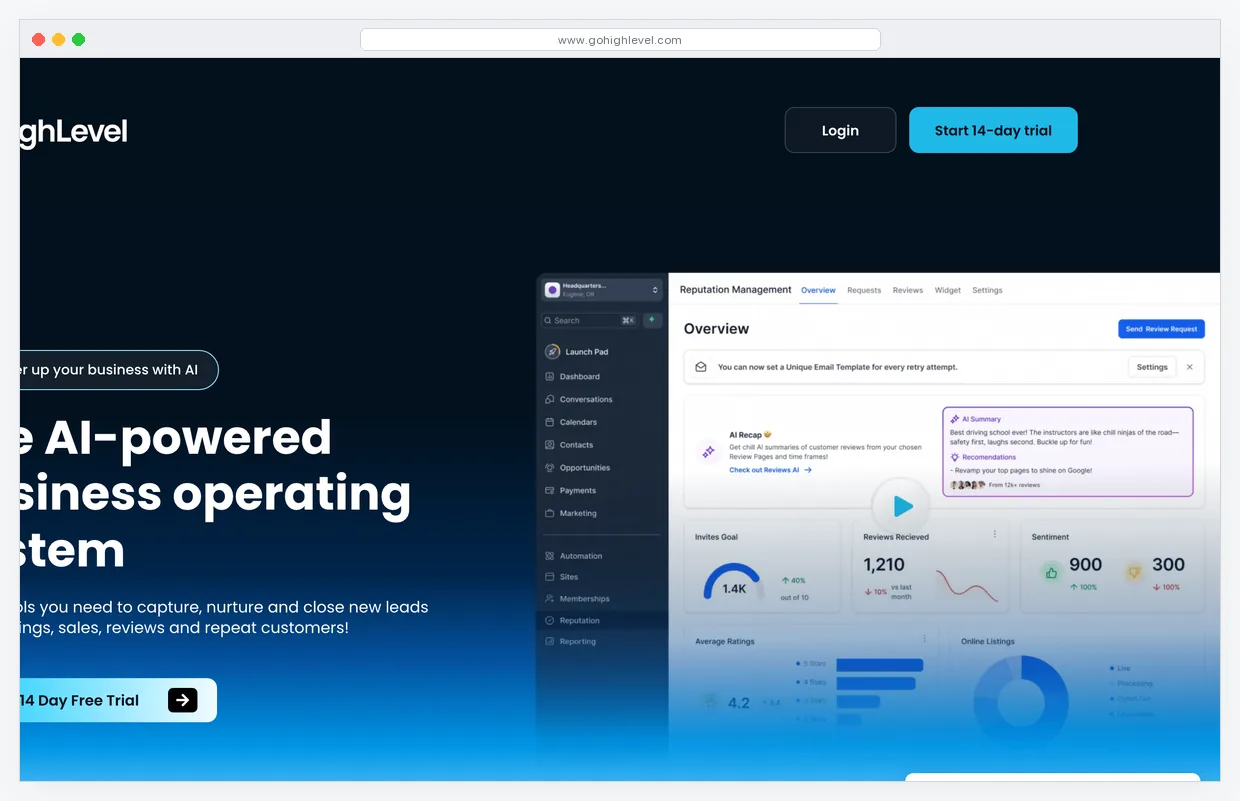
GoHighLevel is the platform agencies use to consolidate roughly $400/mo of point tools per client into a single subscription. The funnel and page builder accepts custom CSS and JavaScript at the page level. Workflows expose an inbound webhook trigger plus a custom code action that runs JavaScript snippets server-side. The API covers contacts, opportunities, calendars, conversations, and SMS.
The white-label layer is what makes this a low-code platform rather than a no-code one. You can rebrand the entire app at the agency level, host it on your domain, and define custom fields, pipelines, and form behaviors per client. Snapshots let you template a client setup once and clone it across the agency in roughly 90 seconds, which is the operational difference between scaling to 30 clients versus rebuilding from scratch each time.
Where it gets thin: the email editor is functional but not Klaviyo-class for ecommerce. The SaaS-mode reseller program is real but adds compliance overhead most agencies underestimate. And the learning curve is roughly 30 hours before a non-technical operator runs the platform without help.
Pricing: Starter at $97/mo for solo use, no white-label. Unlimited at $297/mo for unlimited sub-accounts and white-label. SaaS Pro at $497/mo for the reseller mode. 14-day free trial. Limitation: the platform's depth is its tax. You will not finish the documentation in a weekend.
3. ClickFunnels 2.0: funnel-first with per-page CSS and JavaScript
Best for: course creators and digital product sellers who want a polished funnel UI and accept the funnel-first opinionation.

ClickFunnels 2.0 is the version that finally caught up to its competitors on technical depth. The page editor accepts custom CSS and JavaScript per element and per page, the funnel logic supports conditional steps based on form input, and the email tool supports HTML edit mode for templates. The page-loading speed on 2.0 is materially better than the original ClickFunnels Classic, which had been the loudest complaint for years.
The platform is opinionated about the funnel-first mental model. If you think in terms of squeeze, sales, OTO, thank-you, ClickFunnels feels obvious. If you think in terms of a content site with a sidebar opt-in, you will fight it. The CRM module added in 2024 is competent for product-funnel use cases but thin compared to a real CRM like HubSpot.
Where it gets thin: the all-in-one promise still has gaps. Email deliverability is workable but not strong. The community is enormous and helpful, which papers over a documentation set that lags the product by about a quarter.
Pricing: Basic at $97/mo for 10,000 contacts. Pro at $297/mo for 25,000 contacts and three users. Funnel Hacker at $497/mo for 100,000 contacts and unlimited users. 14-day free trial. Limitation: the editor is funnel-shaped. Build a content blog inside it and you will feel the friction within a week.
4. GetResponse MAX: email automation with API and HTML editor
Best for: teams running list-based marketing at 10,000+ contacts who need automation depth and webhook output.
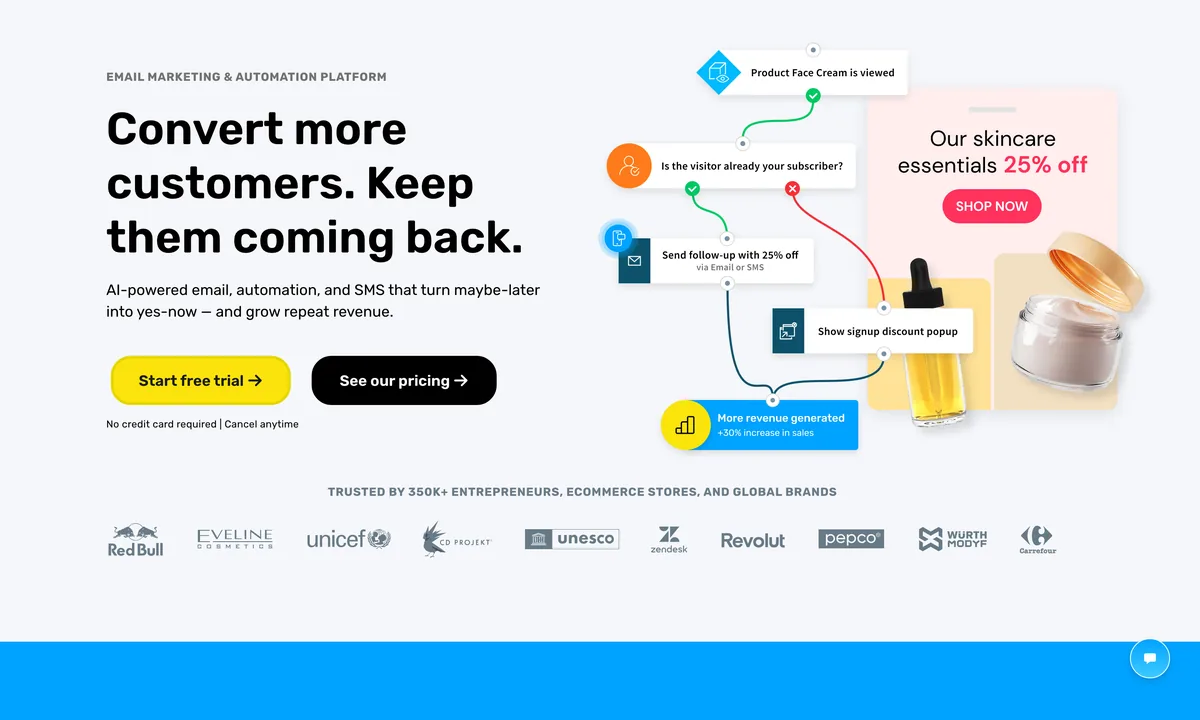
GetResponse sits in an awkward spot in the email category, which is why it ends up in low-code conversations. It is more capable than Mailchimp and ConvertKit on automation logic, less polished than Klaviyo on ecommerce. The MAX tier exposes an HTML email editor, a full REST API, and webhook triggers in workflows. That is enough for a marketing engineer to wire GetResponse to a custom data source without involving a developer.
The visual workflow builder accepts conditional branches on tags, custom fields, scoring, and time delays. AI subject-line generation in 2025-2026 has been competent but not transformational. Landing pages are decent but not at LanderLab or Unbounce levels. The webinars module is unusual for an email platform and useful for course creators who do not want a separate Demio subscription.
Where it gets thin: the UI is competent but feels older than its competitors. The free plan covers up to 500 contacts, which is fine for testing but not enough to evaluate automation seriously. Deliverability is strong on dedicated sender domains and middling on shared.
Pricing: Starter Email at $15.58/mo for 1,000 contacts. Marketing Automation at $48.38/mo for advanced workflows. Ecommerce Marketing at $97.58/mo. MAX (custom pricing) for full API and dedicated IP. 30-day free trial. Limitation: the platform tries to be five tools. You will use three of them well and ignore the rest.
5. Make: visual automation with code modules
Best for: any marketing team running custom data flows between platforms that lack native connectors.
Make is the cleanest example of a low-code platform in the marketing category. The visual scenario builder produces working automations from a drag-drop canvas. When the menu of native modules runs out, you drop in an HTTP module that calls any REST API or a JSON parser that transforms the response. For anything more complex, the iterator and aggregator modules give you loop and reduce semantics without writing code.
I run Make in roughly half the marketing stacks I touch. It does work that Zapier handles at a higher cost and that custom code handles at a higher maintenance burden. The free plan ships 1,000 operations a month, which covers a single-person setup with five active scenarios. The $9/mo Core plan with 10,000 operations covers most multi-tool setups for teams under ten people.
Where it gets thin: error handling requires reading the error message and clicking through scenario history, which is friction at scale. Versioning of scenarios is improving but not at git-level. And visual scenarios that grow past 30 modules become hard to maintain. At that point, you are better off splitting into multiple scenarios or migrating that path to n8n with code modules.
Pricing: Free plan with 1,000 operations and unlimited scenarios. Core at $9/mo for 10,000 operations. Pro at $16/mo for 10,000 operations with priority and 40 active scenarios. Teams at $29/mo with team collaboration. Limitation: operation counts add up faster than expected. Track usage weekly during the first month.
6. Notion: low-code marketing CRM and ops layer
Best for: teams that want a CRM and ops layer they can model like a database without hiring a Salesforce admin.
Notion crossed the line from note-taking app to low-code marketing platform around the time formulas got proper if-then logic and the API got webhook triggers. The way it works in marketing teams: a contacts database with relations to companies, deals, content pieces, campaigns, and accounts. Each row is a record. Each property is a field, including formulas that compute things like days since last touch, deal stage age, or content publishing status.
The Notion API is the part that elevates this from a wiki to a platform. You can write contacts in from a webform, push deal-stage changes out to Slack, sync content calendar items to Buffer, all without leaving the documented endpoints. AI in Notion 2.x has matured into a real research and summarization layer, useful for keeping a content brief in the same database row as the published article.
Where it gets thin: as a CRM it lacks email send and call logging. You are pairing it with a sender like beehiiv or GetResponse and an email-tracker like Streak, not replacing them. Performance on databases above 50,000 rows is noticeably slower. And permissions are workable but not Salesforce-grade.
Pricing: Free plan for personal use. Plus at $10/seat for unlimited blocks and basic permissions. Business at $15/seat for advanced permissions and SSO. Enterprise (custom) for SAML and audit logs. Limitation: Notion is great until you need email send and call logging in the same tool. At that point you are running a paired stack, not a single platform.
7. Semrush: SEO and PPC reporting with API access
Best for: agencies and in-house SEO leads who need to pull keyword, traffic, and competitor data into custom reports.
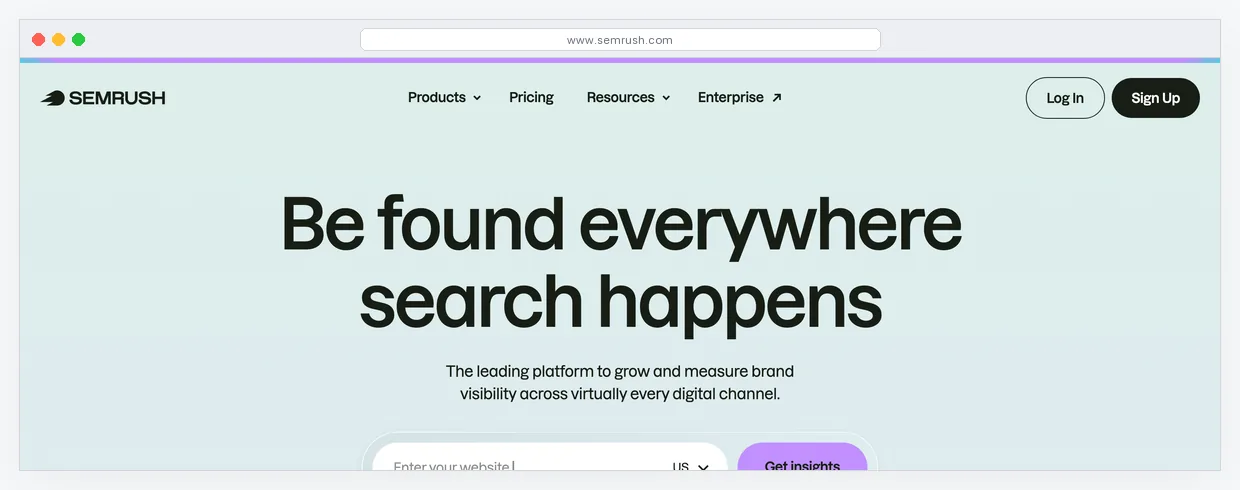
Semrush is the SEO and PPC platform most marketing teams settle on after rotating through Ahrefs, Moz, Mangools, and a handful of cheaper alternatives. The visual product is the dashboard you see when you log in. The low-code part is the API tier that lets you pull keyword volume, position tracking, and backlink data into a custom Looker Studio report or a Notion database.
The acquisition by Adobe in late 2025 changed the conversation around Semrush less than the headlines suggested. The product roadmap continues, the integrations into Adobe Experience Cloud are real but optional, and the standalone product is still the dominant entry point. AI features like the Content Toolkit and the keyword brief generator have moved from gimmick to default tooling for content teams.
Where it gets thin: the API is paywalled at the Business tier or above, which puts the low-code use case out of reach for the Pro plan. The interface is dense for marketers new to SEO, and the volume of features means most teams use 30% of what they pay for.
Pricing: Pro at $139.95/mo for 5 projects and 500 keywords tracked daily. Guru at $249.95/mo for 15 projects and content marketing tools. Business at $499.95/mo for API access and white-label PDFs. 7-day free trial on Pro. Limitation: Pro plan does not include API. Plan for Business if low-code reporting matters.
8. 10Web: AI WordPress builder with theme code access
Best for: marketing teams that need a content site with traditional WordPress flexibility and AI-generated starting points.
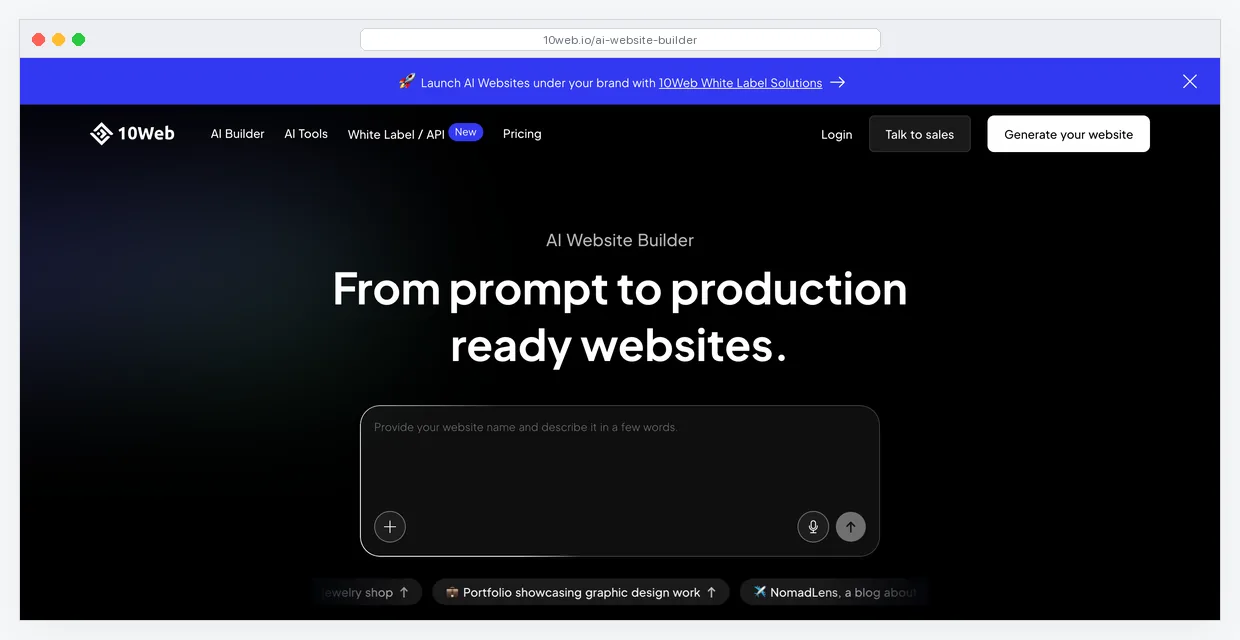
10Web is the platform for marketing teams that have lost the will to argue with developers about whether the new landing page should be in Webflow or WordPress. The answer is WordPress, hosted on 10Web's managed Google Cloud infrastructure, with an AI builder that produces an entire site from a prompt and a theme you can edit in PHP if you need to.
The low-code part is the WordPress side. Themes, plugins, page templates, and the full WordPress codebase are accessible to a developer if you need them. The AI builder handles the 90% of pages that do not require code. Migrations from existing WordPress sites are scripted and take a few minutes for most sites under 5GB. Performance and security tooling come bundled, which removes the typical second-tool stack of WP Rocket and Wordfence.
Where it gets thin: the AI generator produces sites that look generic on the first pass. You will spend two hours customizing what it generates. The platform is WordPress-bound, so if your team prefers a JAMstack workflow this is not the platform. Pricing scales by sites, which adds up if you build 30 client sites a year as an agency.
Pricing: Personal at $10/mo for one website with AI builder. Premium at $24/mo for 3 websites and ecommerce. Agency at $60/mo for 10 websites and white-label. Limitation: the AI builder gets you to a draft, not to a final design. Budget two to four hours for the polish pass on every site.
When low-code is the wrong answer
Low-code platforms fail in three predictable ways. The first is performance at scale. A workflow built in Make that processes 50,000 contacts a day will eventually become a database query problem that no visual canvas can solve. At that point you migrate the hot path to a backend service and leave the marketing-team-facing layer in the visual tool.
The second is custom data models. If your business needs a contact-deal-account-product relationship that diverges from the standard CRM schema, every low-code tool will fight you. Salesforce and HubSpot ship custom-object features that make this possible at the cost of a real implementation. Treat that as the threshold where you exit the low-code category.
The third is the hidden cost of vendor APIs. Every API call has a price. For most marketing use cases the API quota is irrelevant. For real-time use cases like personalization on a high-traffic site, you will hit rate limits and tier upgrades faster than the marketing budget anticipates. Check rate limits before you commit to a platform for that use case.
Three pre-built low-code stacks by team size
Same logic as a no-code stack: the right combination depends on team headcount and revenue. The stacks below are pricing snapshots, not absolute prescriptions.
Solo marketer ($150/mo)
- Kartra Starter at $119/mo for pages, email, and checkout
- Make Core at $9/mo for custom integrations
- Notion Free for content ops and CRM
- 10Web Personal at $10/mo for a content site
This stack covers a solo consultant or course creator running roughly $5K to $30K MRR. The code hooks live in Kartra (HTML/JS) and Make (HTTP modules). Notion handles the data model. 10Web handles the marketing site.
Mid-market marketing team ($550/mo)
- GoHighLevel Unlimited at $297/mo for CRM, automation, white-label
- GetResponse Marketing Automation at $48.38/mo for email depth
- Make Pro at $16/mo for higher-volume automation
- Notion Plus at $30/mo (3 seats) for ops
- Semrush Pro at $139.95/mo for SEO
This is the stack I see in 5 to 15-person marketing teams running between $500K and $5M ARR. The trade-off vs an enterprise stack: you give up some Salesforce/HubSpot-grade reporting and gain back roughly $1,500/mo plus three months of implementation time.
Agency stack ($600/mo for 10+ clients)
- GoHighLevel SaaS Pro at $497/mo for unlimited sub-accounts and reseller
- Make Pro at $16/mo for client integrations
- Semrush Business at $499.95/mo for API access (or share between 3+ agencies)
- Notion Business at $90/mo (6 seats) for client ops
For agencies, the math flips. GoHighLevel SaaS at $497/mo can resell sub-accounts at $97 to $297/mo per client, which is a 5-10x markup. Semrush Business is the line item that hurts at this stage, but the API access is what makes white-label client reporting work.
Alternatives I considered but did not include
HubSpot. The Marketing Hub Professional tier at $890/mo offers HubL templating, custom objects, and a strong API. I excluded it because the entry price puts it out of the low-code budget for most non-enterprise readers. If you have $890/mo to spend on email and CRM, it is a serious option. Read the HubSpot review here for the full assessment.
ActiveCampaign. Custom HTML email and conditional content qualify it. The reason it did not make the cut: the API is competent but less actively documented than GetResponse's, and the visual workflow editor is good but not best-in-class. See ActiveCampaign alternatives for the full landscape.
Zapier. Code steps in Python or JavaScript qualify it as low-code. I prefer Make for cost reasons. Zapier's per-task pricing makes it 2-3x more expensive than Make at the same volume. See Make vs Zapier vs n8n 2026 for the cost breakdown.
Webflow. Excellent low-code marketing site builder with custom code embeds. I excluded it because the marketing-platform layer (CMS, forms, reverse-proxy logic) does not extend into email and CRM the way Kartra or GoHighLevel do. Webflow plus a separate email tool is a fine stack, but it is two platforms, not one.
Frequently asked questions about low-code marketing platforms
How is low-code different from no-code in marketing software? No-code platforms close the door at the visual builder. The user cannot drop in HTML, custom scripts, or API calls. Low-code platforms keep that door open. The marketer can ship 90% of work without code, then extend the remaining 10% with HTML, JavaScript, formulas, or API calls. The line is the escape hatch.
Do I need a developer to use a low-code marketing platform? No, but you benefit from one for roughly 5% of the work. The 95% case is configuration and content. The 5% is the integration that fails because the native connector returns a malformed JSON, the page that needs a script tag for a third-party tracker, the workflow that requires a webhook with custom headers. A part-time developer at 5 hours a month covers it for most mid-market teams.
What is the average cost of a low-code marketing stack? A solo stack runs about $150/mo. A mid-market team stack runs $400 to $700/mo. An agency stack runs $500 to $1,200/mo. These numbers exclude paid acquisition spend, which is a separate budget.
Can I migrate off a low-code platform if I outgrow it? Partially. Contacts and lists migrate cleanly via CSV. Automations and workflows do not, because every platform has a different visual model. Pages migrate as HTML but lose interactivity. Plan for roughly 40 to 80 hours of marketing-team time to fully migrate a single platform.
Is GoHighLevel low-code or no-code? Low-code. The custom JavaScript action in workflows, the per-page CSS injection, and the documented REST API put it in the low-code category. Solopreneurs use it as no-code. Agencies use it as low-code.
What to do next
If you are picking a low-code platform for the first time, the order I recommend is: start with the platform that covers the most jobs you currently outsource. For solo operators that is Kartra. For agencies that is GoHighLevel. For email-heavy operations that is GetResponse. Add Make and Notion to fill the gaps. Add Semrush when SEO becomes a measured channel rather than an afterthought.
The trap to avoid: stacking three all-in-one platforms because each one looked compelling on its own marketing site. The platforms compete on overlap. Pick one core and add specialists around it.
For more on tool selection at different revenue stages, see the marketing tools by revenue stage guide and the recent no-code marketing tools 2026 stack breakdown.